Add Music to Video
Put a song under a video in your browser: choose where it starts, balance it with the video's own sound, fade it in and out, preview the mix, and save an MP4.
Updated
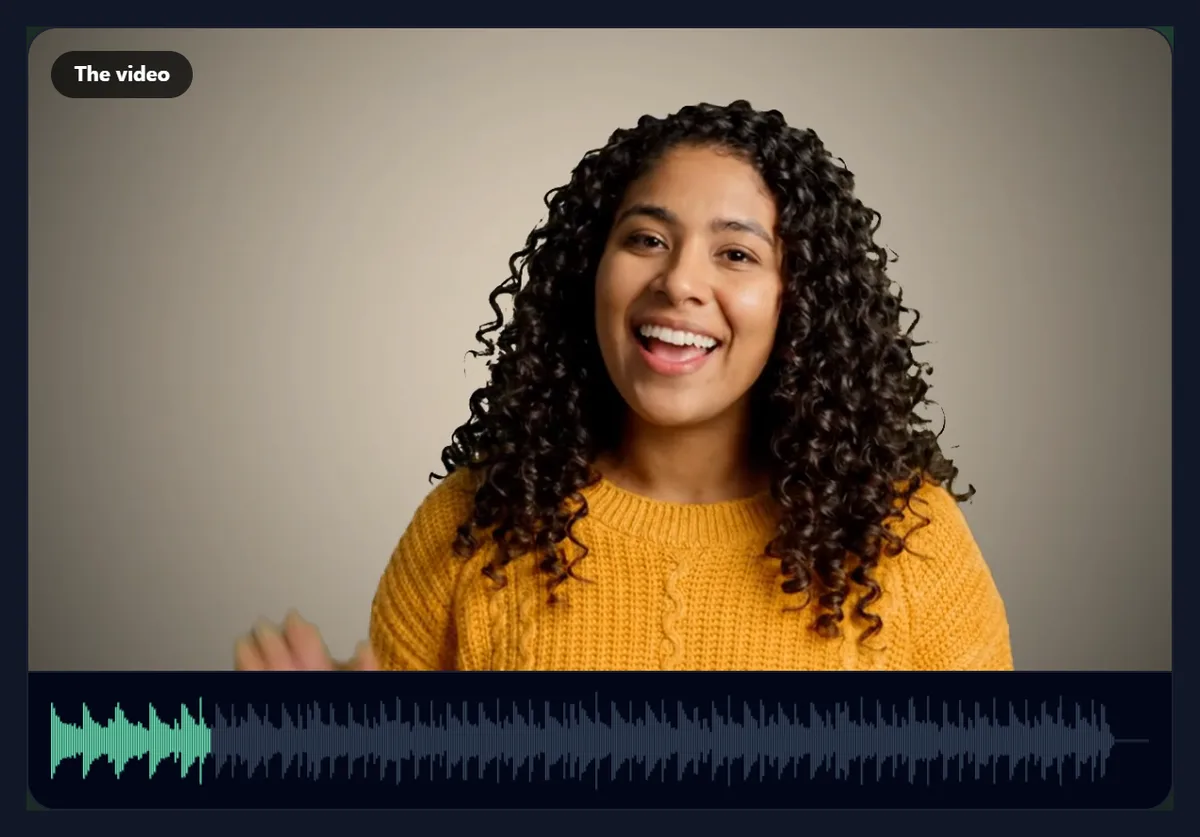
How do you add music to a video?
Open a video and a music file, or use the free sample beat. Choose where the song starts, set the music's volume and the video's own sound, add fades, and preview the mix with the picture. Press Add the music and download the MP4.
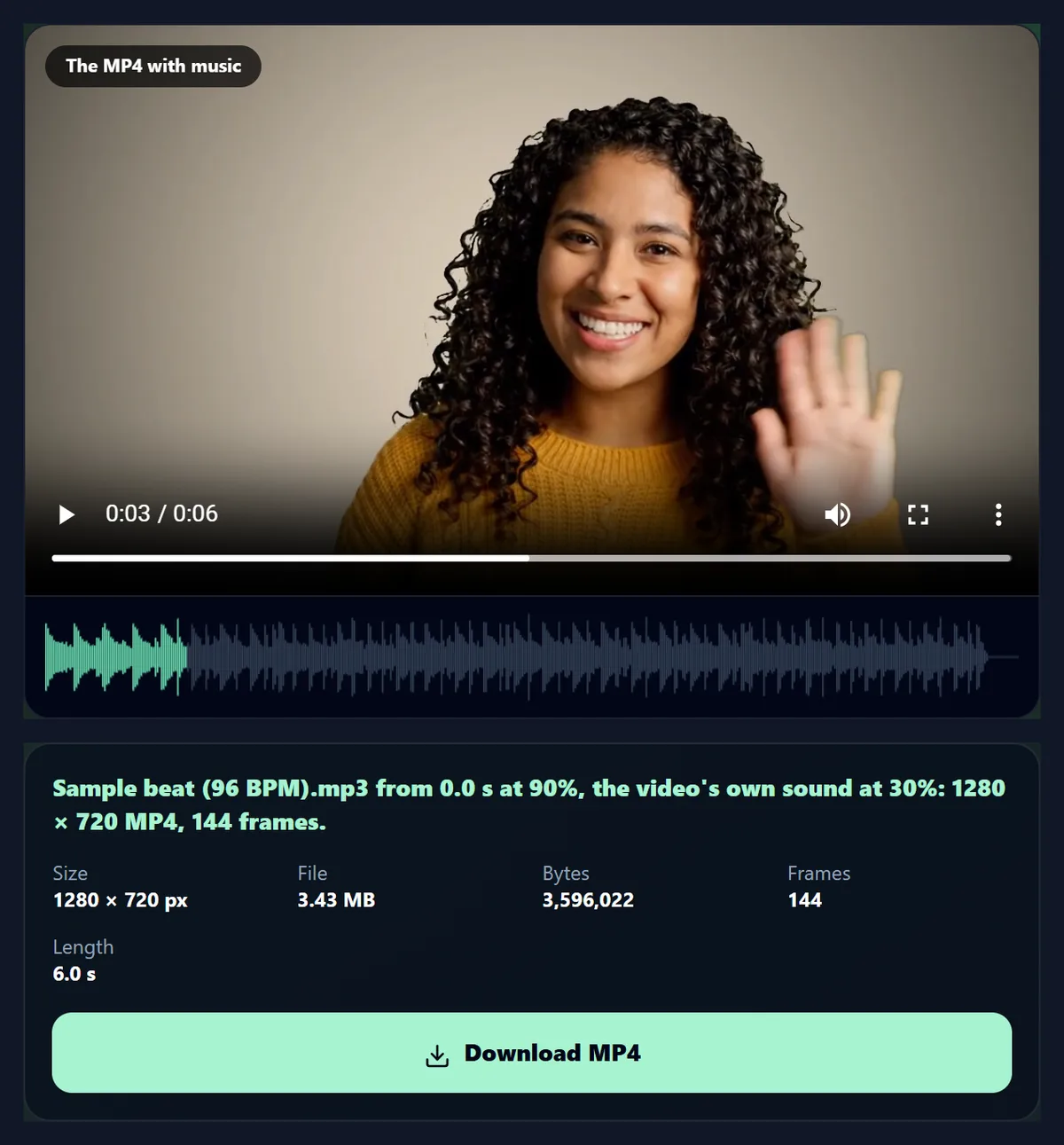
The sample clip with the beat at 90% and its own sound at 30% became a 1280 × 720 MP4 with AAC sound and all 144 frames. Nothing is uploaded.
How to add music to a video
- Open a video Any video your browser plays.
- Choose music Your file or the free sample beat.
- Balance and fade Start point, volumes, fade in and out.
- Preview and save Hear the mix, then make the MP4.
Add music to a video
A real recording of this tool: the sample opened, the sample beat chosen, the volumes and start point set, and the MP4 made with the music.
- The sample video is opened.
- The sample beat is chosen as the music.
- The music volume, the video's own sound and the start point are set.
- The MP4 is made with the music.
How loud should the music be under a voice?
Quieter than you might think, if the voice matters. The sample's voice measured -20.5 dB on average on its own and the sample beat -14.9 dB, both at 100%. With the tool's starting balance, music at 90% and the video's own sound at 30%, the voice is only 3% of the sound: the song carries the video and the voice is a background. With the video at 100% and the music at 50%, the voice becomes 52% of the sound and leads.
The shares come from measuring each part on its own from the tool's MP4s; the measured level of every mix matched the sum of its parts to within 0.1 dB, as it should for two unrelated sounds. For a talking video, start with the music at 20% to 50% and the video at 100%; for a video whose sound does not matter, use the starting balance or turn the video's sound off.
| Music | Video's own sound | Mix level | Voice's share |
|---|---|---|---|
| 90% | 30% | -15.7 dB | 3% |
| 50% | 100% | -17.7 dB | 52% |
| 100% | 100% | -13.9 dB | 22% |
| 150% | 50% | -11.3 dB | 3% |
How do you add music to a video?
Open the video, then choose a music file or the sample beat. Pick where in the song to start, set the music's volume and the video's own sound, add a fade in and a fade out, and press Preview the mix to hear it with the picture. When it sounds right, press Add the music: the video plays through once while each frame is encoded with the new soundtrack, and the MP4 is ready to download.
The 6-second sample with the beat became a 1280 × 720 MP4 with AAC sound and all 144 frames, in 13 seconds.
Can I choose which part of the song plays?
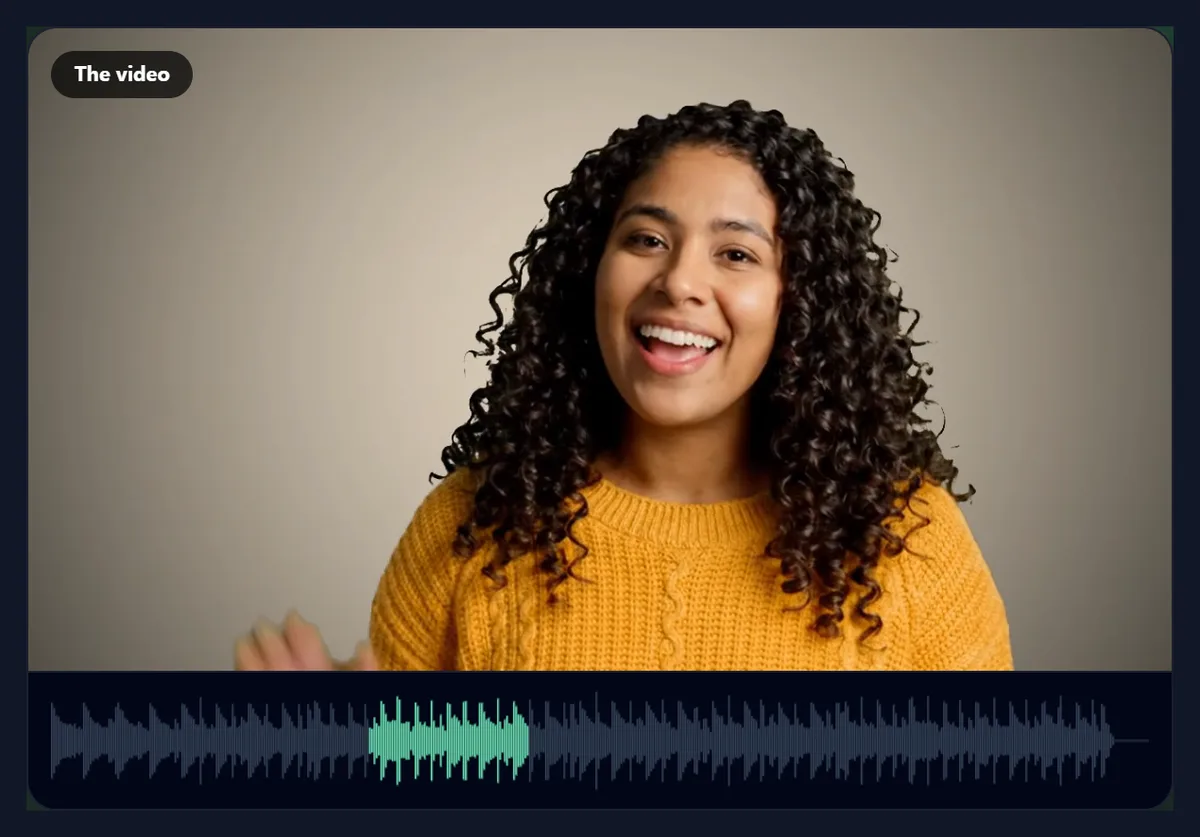
Yes. Drag Start the song at to any point in the song; the waveform under the video highlights the part that will play, from that point for the video's length. Starting on a strong beat, or just before the chorus, makes a short video feel cut to the music.
The sample beat is 41.5 s long. The figure shows it starting 12 seconds in.
How do the fades work?
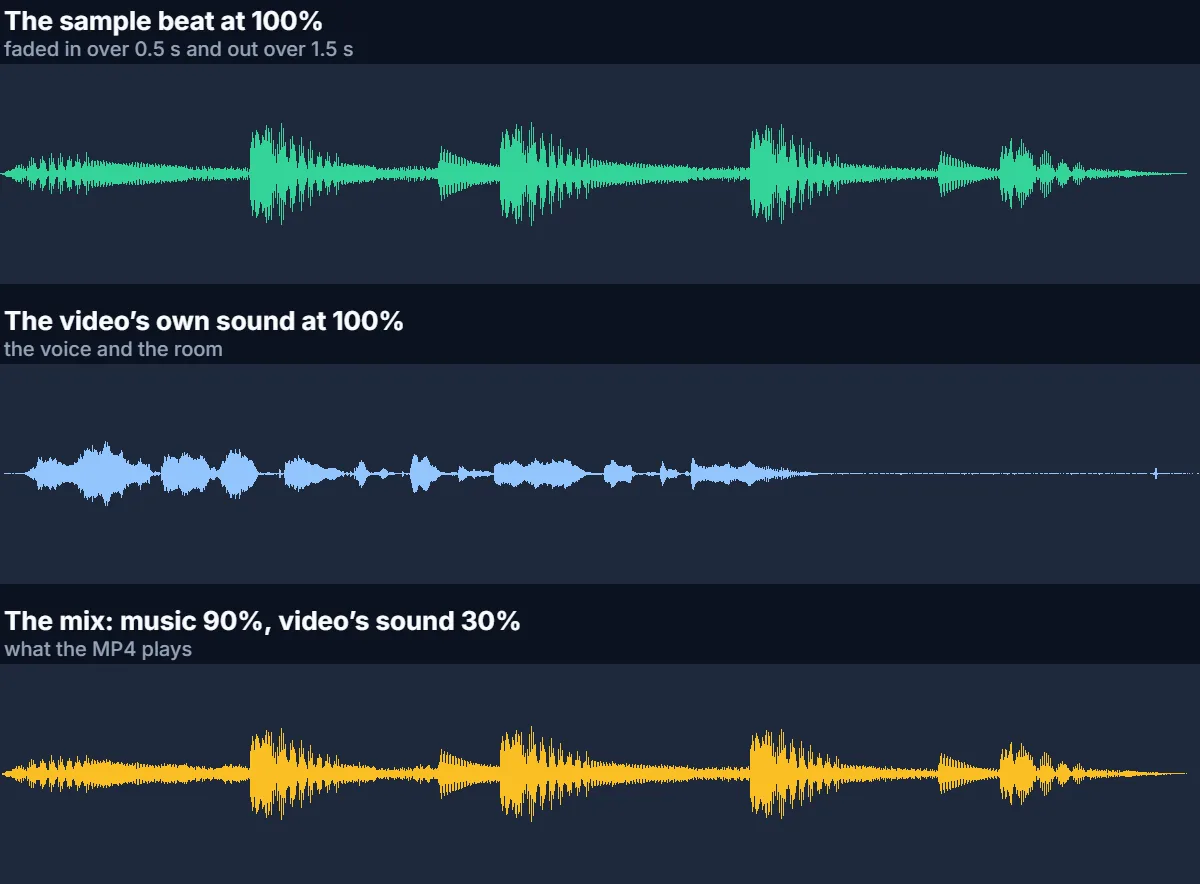
Fade in raises the music from silence over the time you choose, up to 3 seconds; fade out lowers it to silence over the last seconds of the video, so the video does not end mid-note. They start at half a second in and a second and a half out. The video's own sound is never faded, so a voice at the very start or end stays clear.
The figure shows the measured sound of the beat at 100%, the voice at 100%, and the starting mix, with the fades visible at each end of the music.
What if the song is shorter than the video?
With Repeat the song ticked, it starts again from your start point until the video ends, and the fade out still comes at the very end. Untick it and the rest of the video is silent after the song finishes, except for the video's own sound. The line under the music says which will happen.
If the song is longer than the video, only the part from your start point for the video's length is used.
Can I keep the video’s own sound?
Yes: Video's own sound sets its volume from 0 to 150%, separately from the music. Set it to 0 to replace the sound with the music entirely. A video with no sound track says so, and only the music is used.
Loud settings can clip, the crackle of a sound pushed past the loudest level a file can hold. With the music and the video's sound both at 100%, the sample's mix peaked at 0.0 dB, full scale, so its loudest moments clipped; so did music at 150% with the video at 50%. The starting balance peaked at -2.6 dB, safely below. If the mix sounds harsh, turn one of them down.
Can I hear the mix before making the video?
Yes. Preview the mix mixes the sound exactly as the MP4 will have it and plays it with the picture, from the start. Change a setting and preview again; nothing is encoded until you press Add the music.
The preview plays the mixed sound through your browser while the video plays muted, so what you hear is what you will get.
Which music files can I use?
MP3, M4A, AAC, WAV, Ogg and FLAC, or any other sound file your browser can decode. The music is decoded once, mixed with the video's sound at 48 kHz in stereo, and encoded as AAC in the MP4.
The sample beat was made for HueFold and is free to use in your videos.
Can I use any song?
Only music you have the right to use. Commercial songs are usually protected by copyright, and social sites detect them: a video may be muted, blocked or have its earnings claimed. Use your own music, music you have licensed, royalty-free tracks or the sample beat.
Most social apps also offer licensed music inside the app; add that there if you want a popular song.
What does the finished video look like?
The same picture, at the same size and frame timing, re-encoded as H.264 at a generous bitrate, with the new soundtrack in AAC. The result panel shows its size and frames, and it plays in the tool with sound so you can check it before downloading.
The sample with the starting balance was 3.43 MB; its mix averaged -15.7 dB and peaked at -2.6 dB, below the point where it would clip.
How long does it take?
Mixing takes a moment; encoding takes about twice the video's length, because the video plays through at half speed (a quarter for 4K) so that no frame is missed. The page says how long before you start.
Keep the tab in front while it works; browsers slow hidden tabs.
Can I add more than one song?
One at a time: add the first song, download the MP4, open it again and add the second, starting where you want it and with the video's own sound at 100% so the first song stays. Fade each one in and out so they meet smoothly.
For a single song chosen for its beat, the beat sync tool can cut the video to it.
Can I add a voice-over?
Yes: record your voice with any recorder app, save it as MP3, M4A or WAV, and choose it as the music. Set it to 100% and the video's own sound lower, 20% to 40%, so the original stays as a background. Start it at 0 s for a voice-over that begins with the video.
For a voice made from text instead, the AI voice tools can generate one to add here.
How loud should the finished video be?
Loud enough to hear clearly without clipping. The starting balance put the sample's mix at an average of about −16 dB with its peaks below full scale; louder settings reached full scale and clipped. If a video sounds quiet next to others, raise the music a little rather than pushing both parts over 100%.
Phones and social apps adjust loudness a little themselves, but they cannot undo clipping that is in the file.
Where can I find music I am allowed to use?
Use music you made, music you have bought a licence for, or tracks offered under a licence that allows use in videos (read its terms, as some ask for credit or forbid commercial use). Many social apps also let you add licensed songs inside the app after uploading. The sample beat here was made for HueFold and is free to use.
Whatever you choose, keep a note of where it came from in case a platform asks.
How do I start the music on the beat?
Look at the waveform under the video: the tall spikes are the beats and drum hits. Set Start the song at just before a spike, and the music begins on a beat as the video starts. A start at the beginning of a bar, often after a quiet intro, feels most natural.
To cut the video itself to the beat, use the beat sync tool, which finds the song's beats for you.
Can I add music on my phone?
Yes, in a current browser on Android or an iPhone: choose the video and a song from your files, and save the MP4 to your downloads. Keep the screen on while it works.
Songs bought in a music app are often protected and cannot be opened; use music files you own.
Are my video and music uploaded?
No. Both are decoded, mixed and encoded inside your browser tab. Nothing is sent to HueFold or anyone else, and there is no watermark or sign-up.
Large videos are not slowed by your internet connection.
Why can I not hear the music in the preview?
Check that the music volume is above 0 and that your device is not muted. If the music file will not open, your browser cannot decode it: convert it to MP3 or WAV. If the page says it cannot write MP4 with sound, use a current Chrome, Edge or Safari.
If the result has no music at the end, the song was shorter than the video with Repeat unticked.
Frequently asked questions
How do I add music to a video?
Open the video and a song, set the volumes, and press Add the music.
Can I choose which part of the song plays?
Yes. Set where the song starts.
Can I lower the background music?
Yes. Set the music volume from 0 to 150%.
Can I keep the video’s own sound?
Yes, at its own volume, or turn it off.
What audio formats can I use?
MP3, M4A, WAV, Ogg, FLAC and others your browser decodes.
Can I fade the music?
Yes, in and out, up to 3 seconds each.
Is the sample beat free?
Yes. It was made for HueFold and is free to use.
Is my video uploaded?
No. Everything happens in your browser.
Related tools
- Remove Audio From Video — Silence a video first.
- Add Music to GIF — A GIF with a soundtrack.
- Images to Video — A slideshow with music.
- Merge Videos — Join clips into one.
- Add Text to Video — Titles and captions.
- AI Music Generator — Make a track for your video.