Free Stock Videos
Search thousands of free stock videos from Pexels, preview them on hover, filter by shape and resolution, and download the size you need, from small to 4K, with every file size shown before you download.
Updated
How do you find and download free stock videos?
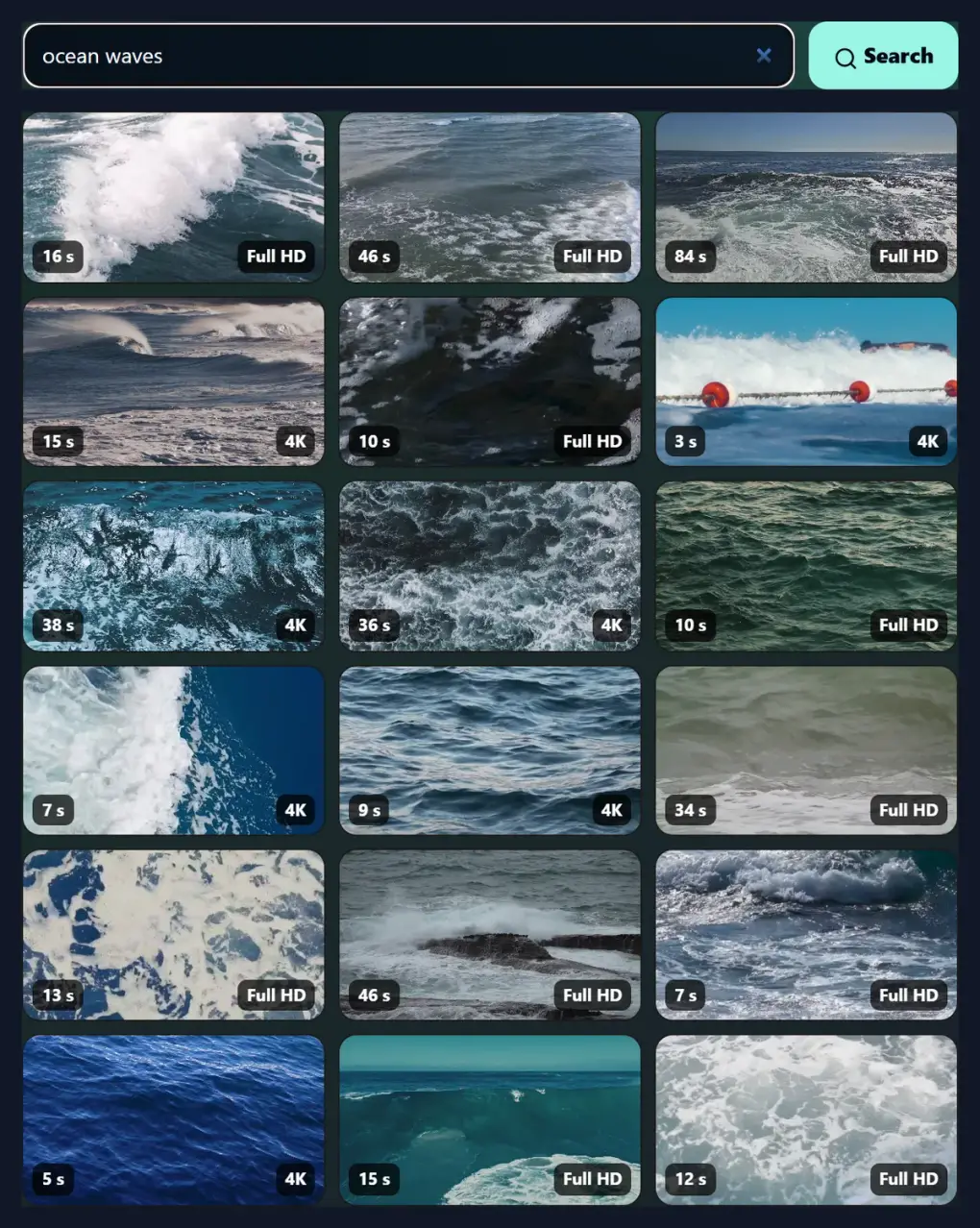
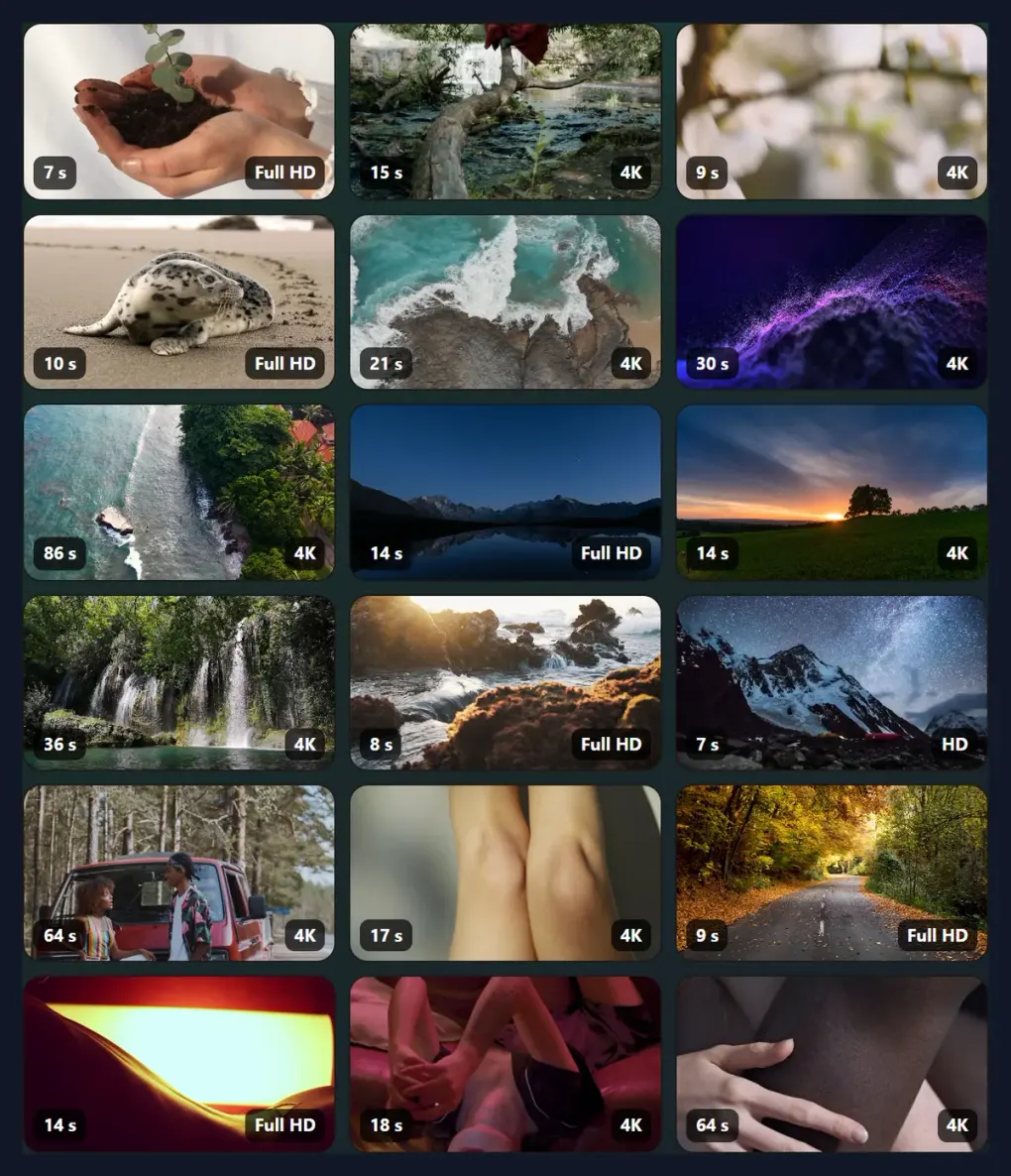
Type what you need, such as "ocean waves" or "city at night", and the page shows 18 matching videos with their length and sharpest size. Filter to wide, tall or square clips and to HD, Full HD or 4K. Hover to preview, click to watch, and download the size you need: every file is listed with its real size, and the creator is credited with a link.
The first "ocean waves" result came in 5 sizes, from 667 KB to 9.62 MB. The videos are from Pexels, free to use under the Pexels licence; no account is needed.
How to download a stock video
- Search A few words about the shot you need.
- Filter Wide, tall or square; HD, Full HD or 4K.
- Preview Hover for a silent preview; click to watch it larger.
- Download Pick a size; every file size is shown first.
Search and download free stock videos
A real recording of this tool: a search for city at night, the Wide and Full HD filters, a clip previewed, and its download sizes shown.
- The page opens with popular stock videos.
- A search for city at night is made.
- The results are filtered to wide clips in Full HD.
- A clip is opened and plays.
- Its download sizes and file sizes are shown.
Which size should I download?
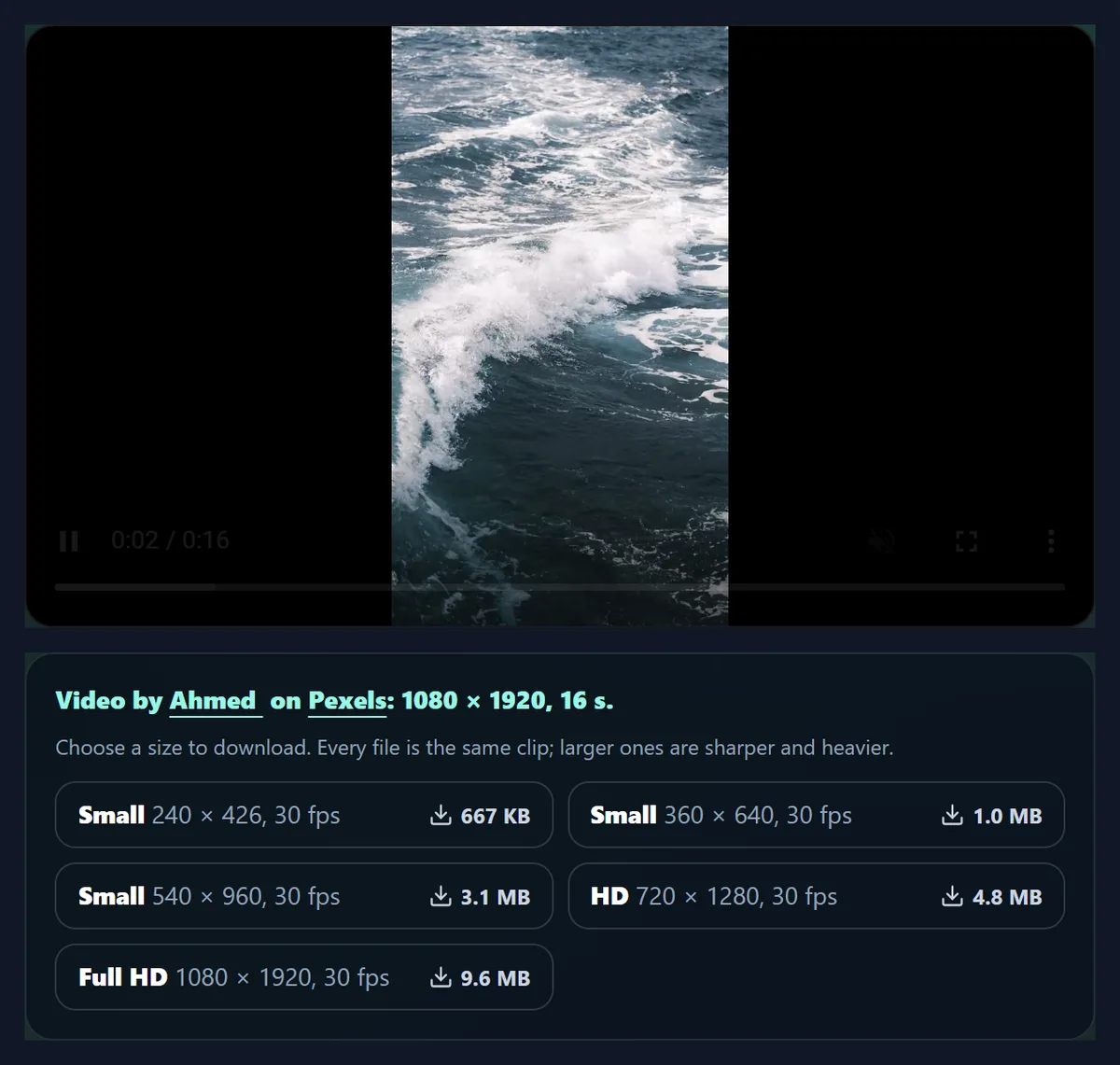
The smallest that looks sharp where the video will be shown. Every clip comes in several sizes, all the same video, and the tool lists each with its real file size, read from Pexels before you download. The first result for "ocean waves" on 2026-10-20, a 16-second 1080 × 1920 clip, came in 5 sizes, from 667 KB at 240 × 426 to 9.62 MB at 1080 × 1920: about 0.6 MB for every second of the largest.
For a social post, a story or a website background, HD (720 × 1280 for this tall clip) is plenty and loads quickly: here it was 4.80 MB. Download Full HD or 4K for editing, cropping in or a large screen, where the extra detail shows. The smallest sizes suit previews, thumbnails and slow connections.
| Quality | Picture | File size | Frame rate |
|---|---|---|---|
| Small | 240 × 426 | 0.65 MB | 30 fps |
| Small | 360 × 640 | 1.03 MB | 30 fps |
| Small | 540 × 960 | 3.09 MB | 30 fps |
| HD | 720 × 1280 | 4.80 MB | 30 fps |
| Full HD | 1080 × 1920 | 9.62 MB | 30 fps |
How do I find a good stock video?
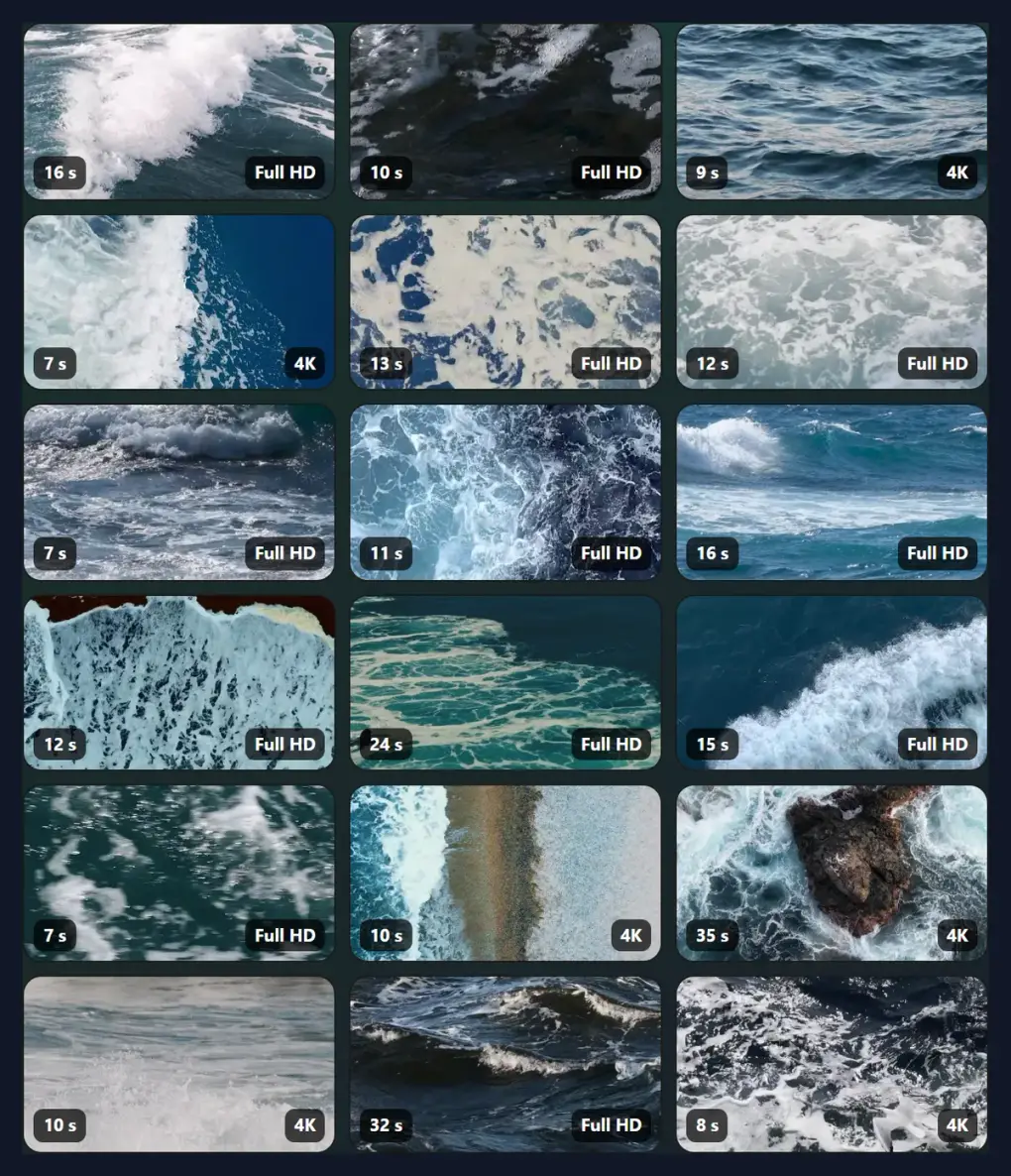
Search with a few plain words about what should be in the shot: "ocean waves", "city at night", "coffee pouring", "people walking". Each search shows 18 videos with their length and their sharpest size, and Load more videos brings the next 18. With no search, the page shows Pexels' popular videos. Hover over a result, or focus it with the keyboard, to watch a silent preview without leaving the page.
If the results are not quite right, describe the shot rather than the topic: "aerial forest" finds drone footage, "slow motion water" finds slow-motion clips, "close up hands typing" finds the classic office B-roll.
Can I find only tall or 4K videos?
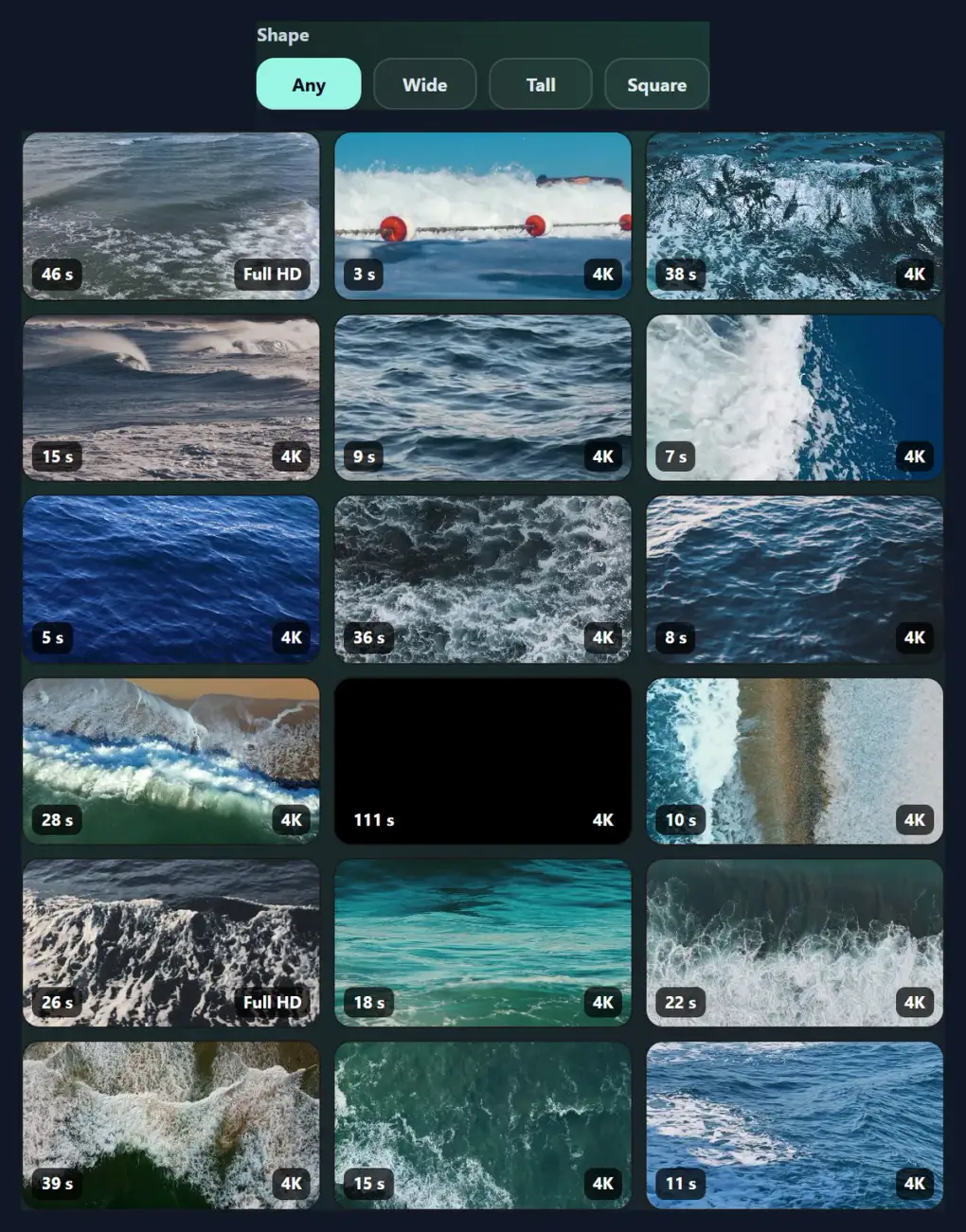
Yes. Shape filters the results to Wide (landscape, for YouTube, websites and slides), Tall (portrait, for Reels, TikTok, Shorts and stories) or Square. At least keeps only videos available in HD, Full HD or 4K, using Pexels' own minimum sizes. The filters apply to searches and to the popular videos shown before a search.
Picking the right shape at the start saves cropping later: a tall clip fills a phone screen as it is, while a wide one has to be cropped or fitted with bars. If you must change the shape, the video resizer crops with a focus point or fits the whole picture over a blurred copy.
How do I preview and download a video?
Click a result. It plays above the results at a medium size, muted and looping, with the player's controls. Below it are the creator's name, linked to their Pexels profile, a link to the video's page on Pexels, its size and length, and every MP4 size on offer with its file size. Click a size to download that file straight from Pexels.
Download links point at Pexels' own servers, which send the file as a download; HueFold does not copy, store or re-encode it, so you get exactly the file the creator uploaded at that size.
Can I use these videos for free?
Yes. Under the Pexels licence, all photos and videos on Pexels are free to use, and you can modify them; that covers websites, social posts, ads, presentations, products and client work. Attribution is not required.
The licence lists what is not allowed. Identifiable people may not appear in a bad light or in a way that is offensive. You may not sell unaltered copies of a video without modifying it first. You may not imply endorsement of your product by people or brands shown in the video. You may not redistribute or sell the videos on other stock platforms. Read the licence on Pexels before a sensitive use; HueFold does not grant any rights beyond it.
Should I credit the creator?
A credit is optional under the licence, but the people who share videos on Pexels do so for free, and a credit is the main thing they get back. The tool shows the creator's name with a link to their profile, ready to copy into a caption or description, for example: Video by the creator's name on Pexels.
In a YouTube description, a blog post or the end credits of a film, a line with the creator's name and a link is the usual form.
Are there 4K stock videos?
Yes: choose 4K under At least, and only videos that Pexels offers at 4K are shown; their file list then includes a 3840-pixel-wide file (2160 wide for tall clips). 4K files are the largest of all, so download them only when you need the detail, for example to crop into the shot or for a 4K edit.
Results also show each clip's sharpest size on its preview, so 4K clips are easy to spot even without the filter.
What are stock videos used for?
B-roll and cutaways in YouTube videos; backgrounds for website headers and landing pages; social posts, Reels and stories with text over them; presentations and pitch decks; ads; and placeholders while real footage is being shot. A few seconds of a well-chosen clip can set the mood of a whole video.
Many clips have no sound of their own; add music or a voice-over in a video editor, or with HueFold's add music to video tool.
Where do the videos come from?
From Pexels, a free stock photo and video library whose videos are shared by its community of creators. HueFold uses Pexels' official API: the searches, results and their order are Pexels' own, and HueFold does not host, copy or change the videos. The credit under each video names its creator and links to the video's page on Pexels.
Because the library changes as creators add videos, the same search can show different results over time.
Can I edit a stock video?
Yes: the licence allows you to modify the videos, and an edited clip is often what makes stock footage feel like your own. Resize it to 9:16 for Reels and Stories with the video resizer, add your words with add text to video, put music under it with add music to video, or cut out the part you need with the video splitter.
Download the largest size you will need before editing: cropping into a video or resizing it for a different shape needs the extra pixels.
Can I download stock videos on my phone?
Yes. Search and preview as on a computer, then tap a size to download it; it is saved to your downloads or files, depending on the phone and browser. Choose Tall for clips that fill the phone screen as they are, and a smaller size, HD or below, to save mobile data.
On an iPhone, a downloaded video can be saved to Photos from the Files app.
How do I check a clip before downloading it?
Watch it first: a selected clip plays at a medium size, with the player's controls, so you can check its full length and look for logos, faces or anything you cannot use. Then read the file list: each size shows its picture size, its frame rate and its exact file size. The ocean clip measured here offered every size at 30 frames a second.
For slow motion, pick a clip whose files are 50 or 60 frames a second; slowing a 25 or 30 fps clip makes it judder. For a story or reel, check that the clip is tall, or that the part you need will survive cropping to 9:16.
What are the videos shown before a search?
Pexels' popular videos: clips its own ranking puts at the top, shown when the search box is empty. They are a quick way to browse for ideas, and the Shape and At least filters apply to them too, so you can see popular tall clips or popular 4K clips without typing anything.
Search as soon as you know what you need: specific words find more suitable clips than browsing.
Do I need an account?
No. Searching, previewing and downloading need no account and no sign-up, on HueFold or on Pexels. HueFold's server runs the search on Pexels for you, so the key that Pexels issues to HueFold stays private, and keeps each search for an hour so popular searches are quick and the shared limit of searches lasts.
Your searches are not stored with any account, and the videos come to your device straight from Pexels.
Why do I see no results or an error?
No results means no video matched every word: use fewer or simpler words, or clear the filters. If the page says stock videos are unavailable, Pexels could not be reached or the shared search limit was used up: try again in a minute. If a preview does not play, the connection may be slow: the download still works.
If a download opens in a new tab instead of saving, use the browser's own save option on the video, or right-click the size and choose to save the link.
Frequently asked questions
Are these stock videos really free?
Yes. They are from Pexels and free to use and modify under the Pexels licence.
Can I use them commercially?
Yes, within the licence: no unaltered resale, no implied endorsement, no other stock sites.
Do I have to credit the creator?
No, but it is appreciated; the credit and link are shown with each video.
Can I download in 4K?
Yes, when Pexels offers the clip in 4K; filter with At least 4K.
Can I find vertical videos for Reels and TikTok?
Yes. Set Shape to Tall.
Do I need an account?
No, neither on HueFold nor on Pexels.
Does HueFold keep copies of the videos?
No. Downloads come straight from Pexels.
Why are the files different sizes?
Each is the same clip at a different resolution; larger is sharper and heavier.
Is it free?
Yes, with no account and no watermark.
Related tools
- Stock Photos — Free stock photos.
- Video Resizer — Change a clip’s shape.
- Add Music to Video — Put music on a clip.
- Add Text to Video — Write over a clip.
- Video to MP4 — Convert other videos to MP4.
- Free GIFs — Find GIFs to use.