Free Icons
Search 1,565 free Lucide icons, set the colour, line weight, padding and size, add a circle or square behind them, and download an SVG or a PNG, or copy the SVG code. Free under the ISC licence.
Updated

How do you get a free icon?
Search for the icon you need, or pick one from the common icons at the top. Set its colour, line weight and padding, choose a background shape if you want one, and pick the size. Download it as SVG or PNG, or copy the SVG code to paste into a web page.
The heart icon is 382 bytes as SVG at any size, and 10.5 KB as a 256 px PNG.
The icons are Lucide's, free for personal and commercial use under the ISC licence; everything is made in your browser.
How to get an icon
- Search 1,565 icons, by name.
- Style it Colour, line weight, padding and background.
- Pick a size and format SVG for any size, or PNG from 24 to 1024 px.
- Download or copy Save the file, or copy the SVG code.
Find, style and download an icon
A real recording of this tool: the heart icon, a search for camera, a circle background, a lighter line and a new colour, and the icon downloaded as a 512 px PNG.
- The icon tool opens with the heart icon.
- Camera is typed in the search and the camera icon is chosen.
- A circle background is added, the line made lighter and the colour changed.
- The icon is saved as a 512 px PNG and downloaded.
Should I download an icon as SVG or PNG?
SVG wherever it is accepted: websites, design apps, presentations and print. An SVG icon describes its lines, so it is sharp at any size and tiny: the heart was 380 bytes as SVG at 24 px and 384 bytes at 1024 px, the only difference being the size written in the file. A PNG stores pixels, so it grows with the size, from 724 bytes at 24 px to 50.3 KB at 1024 px.
Choose PNG for apps that only take pictures, such as some social media, messaging and slide apps, and pick the largest size you need: a PNG enlarged later looks soft, while a smaller one is always sharp.
| Size | SVG | PNG |
|---|---|---|
| 24 × 24 | 380 bytes | 724 bytes |
| 48 × 48 | 380 bytes | 1,517 bytes |
| 64 × 64 | 380 bytes | 1,914 bytes |
| 128 × 128 | 382 bytes | 4,004 bytes |
| 256 × 256 | 382 bytes | 10,710 bytes |
| 512 × 512 | 382 bytes | 20,744 bytes |
| 1024 × 1024 | 384 bytes | 51,541 bytes |
Which icons are there?
1,565 icons from Lucide, an open-source icon set drawn on a 24-pixel grid with consistent rounded strokes: arrows, files, people, devices, commerce, weather, media, maps, charts, nature, food, travel and more. Because every icon shares the same grid and line style, any mix of them looks like one set.
Search by what you need: arrow found 76 icons, file 60, chart 28, user 25, heart 13 and camera 3. Common icons are shown first until you search, and Show more loads the rest.
Can I use these icons for free?
Yes. Lucide is released under the ISC licence, a short permissive licence: the icons may be used, copied, changed and shared, in personal and commercial work, with no payment. Its one condition is that the copyright and permission notice goes with copies of the icons, for example when you pass the SVG files on; the full text is linked under the tool.
The licence covers the icons, not trademarks: Lucide's icons are generic symbols, so they suit interfaces, documents and designs without implying any brand.
Can I change the colour and line weight?
Yes. Pick any colour, set the line weight from 0.5 to 3 (the set is drawn at 2), and add padding round the icon from none to 30% of the size. A lighter line suits large icons and elegant designs; a heavier one stays readable at small sizes and on busy backgrounds.
The SVG keeps the line as a stroke, so it can still be recoloured or reweighted later in any vector app or with one line of CSS.
Can I put an icon on a circle or a square?
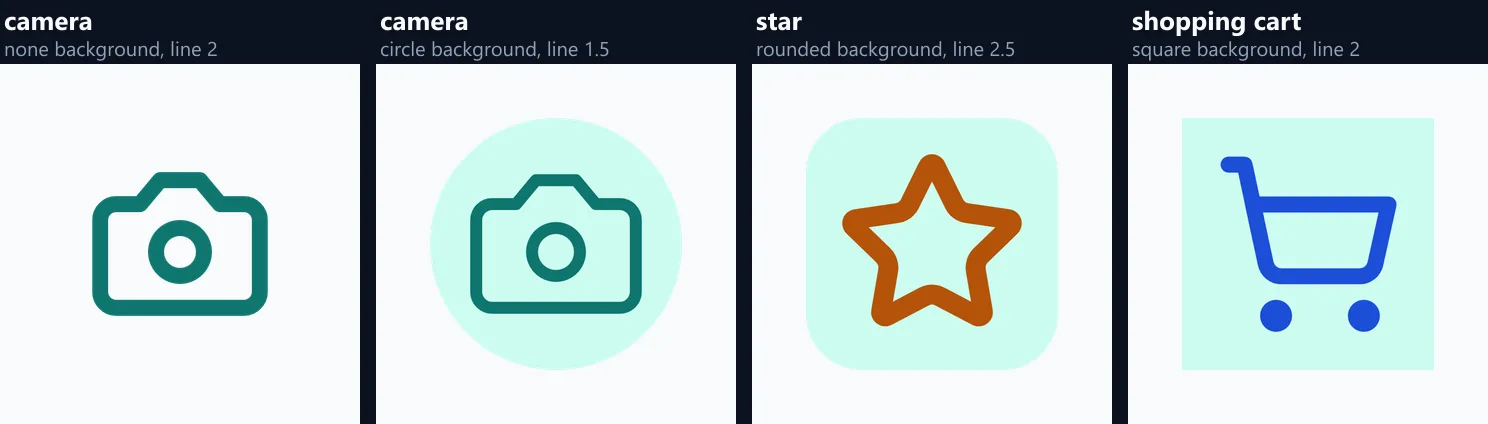
Yes. Choose a circle, a rounded square or a square behind the icon, in any colour, for app-style icons, social highlight covers, buttons and badges. With no background, the PNG is transparent and the SVG has no shape behind the lines, so the icon sits on whatever is behind it.
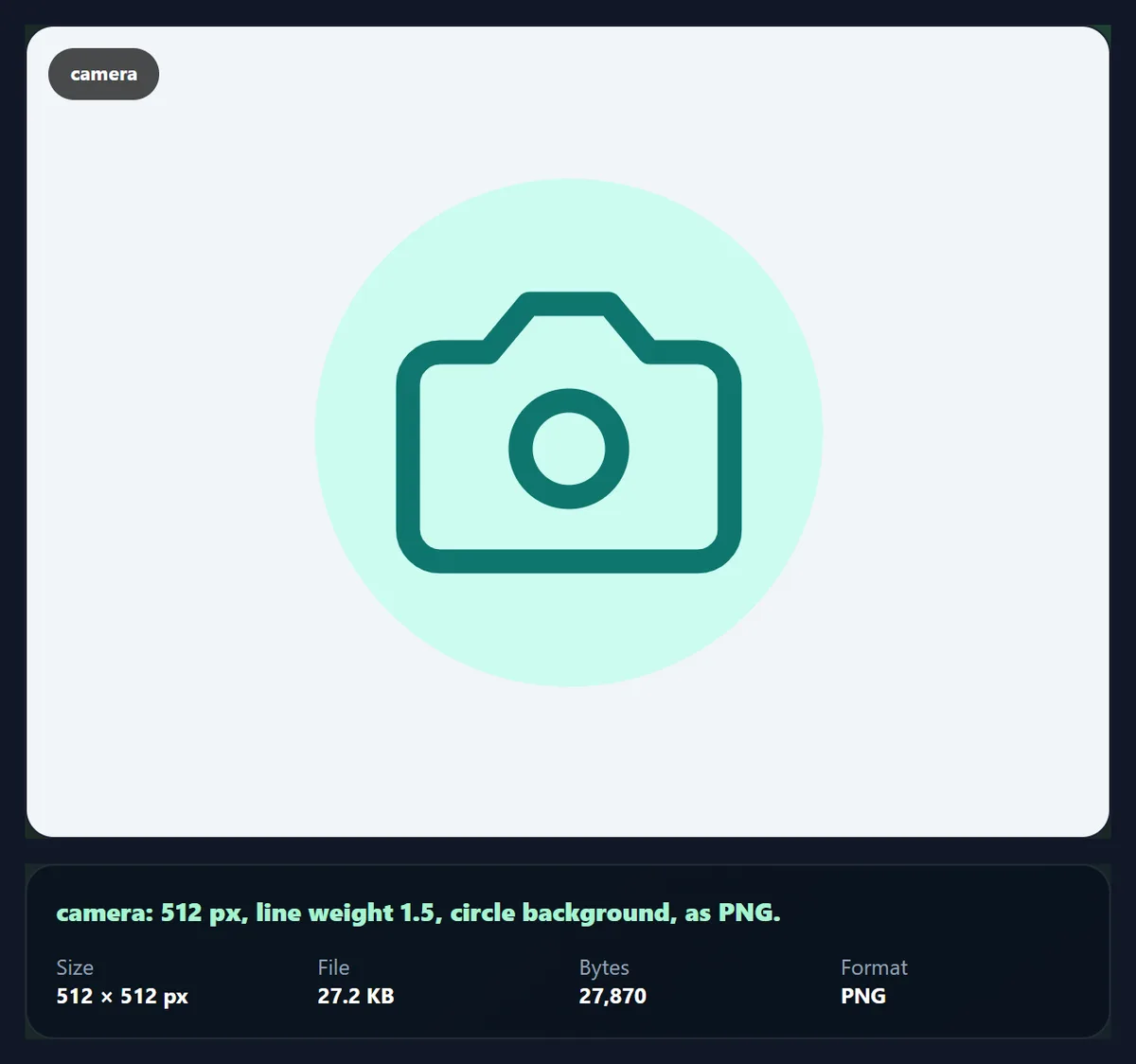
The camera on a mint circle with a 1.5 line, at 512 px, was a 27,870-byte PNG.
What size should my icon be?
For apps and websites, the size it is shown at, times two for sharp high-resolution screens: a 24 px button icon as a 48 px PNG, or simply the SVG. For social media highlight covers and profile images, 512 or 1024 px. For print, use the SVG, or a PNG at 1024 px for a small printed icon.
Lucide icons are drawn for 24 px, so they look their best at 24, 48, 72 or 96 px on screen, where their lines fall on whole pixels.
How do I use the SVG code on a website?
Press Copy SVG code and paste it into your HTML: the icon is then part of the page, with no extra file to load, and can be styled with CSS. The code is a small, clean SVG with the colour, stroke and size you chose; set width and height to change its size on the page.
For a button, pair the icon with a text label, or give it an aria-label: an icon on its own is not read by screen readers, and people do not all recognise every symbol.
Can I make Instagram highlight covers?
Yes. Choose an icon, a circle background in your brand colour, white or a contrasting icon colour, a line weight of about 1.5 to 2, and 1024 px, and download a PNG for each highlight. Instagram crops highlight covers to a circle, so a circle background shows the result exactly.
Keep the same colours, padding and line weight for every cover so the set looks consistent on your profile.
How do I keep icons consistent across a design?
Use one set, one line weight and one size grid. Lucide's icons already share a 24-pixel grid, rounded line ends and the same stroke, so keeping the line weight and padding the same for every icon you download keeps them matching. Pick one colour for icons in running text and buttons, and use a second colour only for meaning, such as red for delete.
When icons sit on backgrounds, use the same shape and the same padding for all of them: a row of circles of equal size reads as a set, while mixed shapes look accidental.
How do I make icons accessible?
Give every icon that does something a text label, visible or as an aria-label, and give decorative icons an empty alt or aria-hidden so screen readers skip them. Keep enough contrast between the icon and what is behind it: the lines are thin, so they need stronger contrast than a filled shape would.
Make buttons with icons at least 44 by 44 pixels to tap on a phone, even if the icon itself is 24 px: the padding setting and a background shape help.
Can I make a favicon or an app icon?
Yes. For a website favicon, choose an icon with a square or rounded background in your brand colour and download the SVG, which modern browsers accept as a favicon, plus a 48 px PNG for older ones. For an app or a shortcut icon, download a 512 or 1024 px PNG with a background, which app stores and home screens expect.
Simple icons work best at favicon size: at 16 or 32 pixels, an icon with a few bold lines stays recognisable, while a detailed one becomes a smudge. Raise the line weight to 2.5 or 3 for small sizes.
Why use an SVG instead of an icon font?
An SVG icon is one small, self-contained file or snippet: it loads only what is used, is sharp at any size, can be coloured with CSS, and is read correctly by screen readers when labelled. An icon font loads every icon at once, can show empty boxes while it loads, and is announced as random characters by some screen readers.
Copying the SVG code from the tool gives exactly that: one icon, inline, in the colour and weight you chose.
What are icons used for?
Buttons and menus in apps and websites; feature lists and pricing tables; slides and reports; infographics and signs; social media highlight covers and posts; packaging, labels and menus; and wayfinding in documents. An icon next to a short label makes a list quicker to scan.
Use one icon set throughout a design: mixed styles, such as filled and outlined or different line weights, look accidental.
Can I edit an icon after downloading it?
Yes, if you download the SVG. It is plain, readable code: a few paths with a stroke colour and width, so any vector app, the SVG editor or a text editor can change its colour, weight or size, combine it with other shapes, or remove a part. A PNG can only be edited as pixels.
To change the colour on a website without editing the file, paste the SVG code and set its stroke colour with CSS, for example to follow the text colour.
Is anything uploaded?
No. The icon set is part of the page, the icon is drawn as SVG in your browser, and the PNG is made there too. Nothing is sent to HueFold and no account is needed.
The SVG you download is standalone: it carries its own size, colour and stroke, and opens in any browser, design app or vector editor.
Why does my icon look blurry or too thin?
A PNG enlarged beyond its size looks blurry: download a larger PNG, or the SVG. An icon shown much smaller than it was drawn can lose thin lines: raise the line weight for small sizes. If an icon's colour does not change in your app, it may treat SVG as a picture: change the colour here and download again.
If the search finds nothing, try a simpler or related word (cart instead of basket, house instead of home page); icons are named for what they show, not what they mean.
Frequently asked questions
Are these icons free for commercial use?
Yes. Lucide icons are under the ISC licence, free for any use.
What licence are the icons under?
ISC: free for any use; keep its short notice with copies of the icon files.
How many icons are there?
1,565 Lucide icons.
Can I download an icon as SVG?
Yes, or as PNG from 24 to 1024 px.
Can I change the icon colour?
Yes, to any colour, with a line weight from 0.5 to 3.
Can I put an icon on a circle?
Yes: circle, rounded square or square, in any colour.
Can I paste an icon into my website?
Yes. Copy the SVG code and paste it into your HTML.
Is anything uploaded?
No. The icons are drawn in your browser.
Is it free?
Yes, with no account or watermark.
Related tools
- Stickers — Turn an icon or logo into a sticker.
- SVG Editor — Edit the SVG further.
- SVG to PNG — Any SVG as a PNG.
- Clipart — Free illustrations.
- Curved Text Generator — Text round an icon for a badge.
- Pattern Generator — Seamless backgrounds.