Pattern Generator
Design a seamless pattern in seconds: polka dots, stripes, checks, gingham, a grid, waves, chevron, honeycomb, crosses or confetti, in your own colours and scale, saved as a tiny SVG, a PNG or JPG at any size, or as a single tile.
Updated

How do you make a seamless pattern?
Pick a pattern, a palette and a size; adjust the weight of the shapes and turn the pattern if you like. The preview shows the finished image at the size you chose, and a small 3 × 3 repeat of the tile shows that it joins seamlessly. Download it as SVG, PNG or JPG, or download just the tile to repeat in another app.
Every pattern is drawn as SVG, so it stays sharp at any size: the default polka dots at 1920 × 1080 were a 1.4 KB SVG and a 271 KB PNG, and every pixel matched the one a tile further along.
Everything happens in your browser: nothing is uploaded and no account is needed.
How to make a pattern
- Pick a pattern Choose from ten, from polka dots to confetti.
- Set colours and scale Pick a palette or your own colours; set size, weight and rotation.
- Choose the image size Square, wide, story, A4 or a custom size.
- Download Save as SVG, PNG or JPG, or just the seamless tile.
Design a seamless pattern
A real recording of this tool: polka dots, then stripes, honeycomb and waves, the Ocean palette, the size and rotation sliders, and the pattern downloaded as SVG.
- The pattern generator opens with navy polka dots on cream.
- Stripes, Honeycomb and Waves are tried.
- The Ocean palette is chosen, and the size and rotation are changed.
- The pattern is saved as SVG and downloaded.
Should I save my pattern as SVG, PNG or JPG?
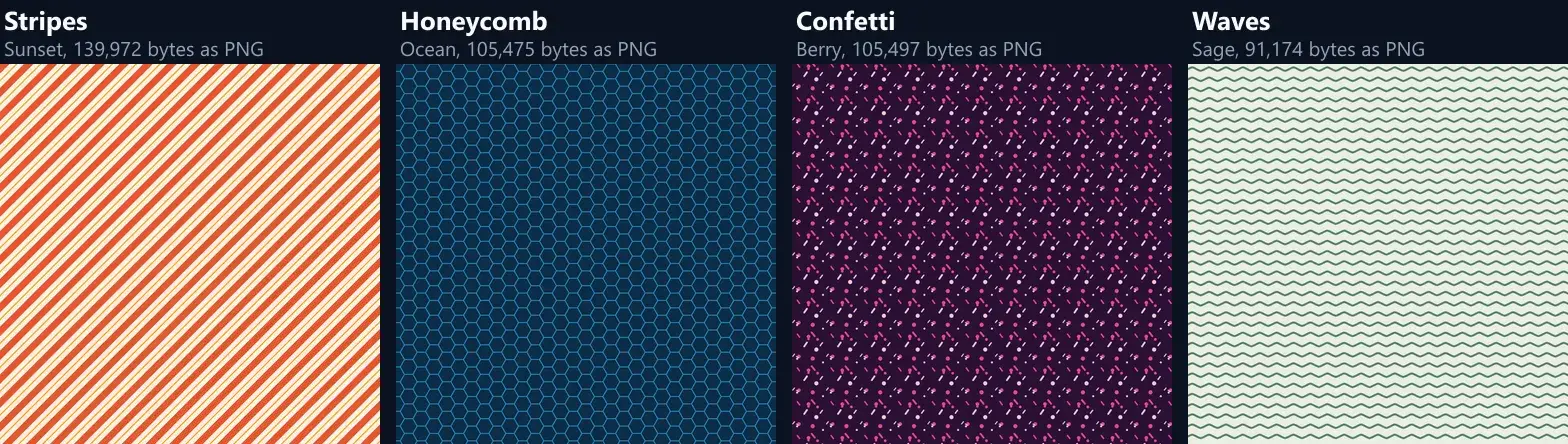
SVG whenever the app you use accepts it. An SVG pattern stores one tile and an instruction to repeat it, so it stays tiny at any size: the ten patterns, at their default settings and 1920 × 1080, were between 1.4 and 10.4 KB as SVG. As PNG, which stores every pixel, the same images were 50 KB (Gingham) to 301 KB (Honeycomb). SVG also stays perfectly sharp when printed large or zoomed in. The SVG sizes are exact; PNG and JPG sizes vary a little between browsers and devices, because each draws the smooth edges of the shapes its own way.
Choose PNG for apps that need a picture, such as most social media, slide and phone wallpaper tools. Avoid JPG for patterns: it is made for photos, and on flat colours and crisp edges it is both larger and blurrier. At the same size, JPG was larger than PNG for every one of the 10 patterns, up to 968 KB for Chevron.
| Pattern | SVG | PNG | JPG |
|---|---|---|---|
| Polka dots | 1.4 KB | 271 KB | 616 KB |
| Stripes | 1.7 KB | 262 KB | 902 KB |
| Checkerboard | 1.6 KB | 53 KB | 76 KB |
| Gingham | 1.9 KB | 50 KB | 166 KB |
| Grid | 1.7 KB | 76 KB | 347 KB |
| Waves | 1.5 KB | 129 KB | 732 KB |
| Chevron | 1.4 KB | 156 KB | 968 KB |
| Honeycomb | 2.4 KB | 301 KB | 643 KB |
| Crosses | 2.8 KB | 147 KB | 687 KB |
| Confetti | 10.4 KB | 148 KB | 535 KB |
What makes a pattern seamless?
That every tile meets the next with no visible join. Here it is built in: each pattern is one tile, and every shape in it is also drawn at the eight neighbouring tile positions, so a dot, wave or confetti piece that crosses an edge carries on in the next tile exactly. The 1920 × 1080 polka-dot PNG was checked pixel by pixel: every pixel matched the one a whole tile further along, across and down, and the largest difference found was 0 levels: the tiles are identical.
The tile sizes are always whole pixels (the honeycomb's height is rounded to one), so a tile repeated in another app lines up with no half-pixel gaps or seams.
Which patterns can I make?
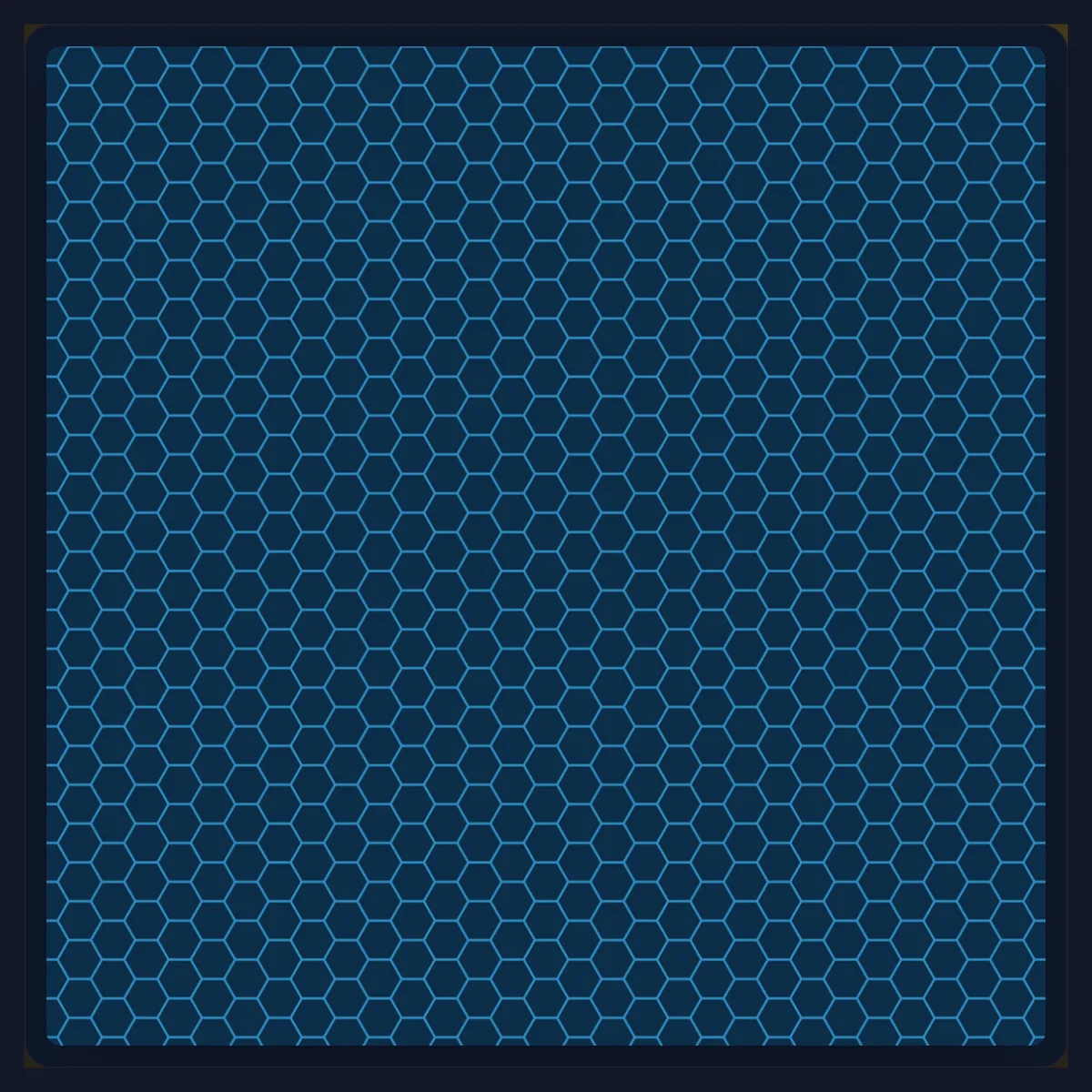
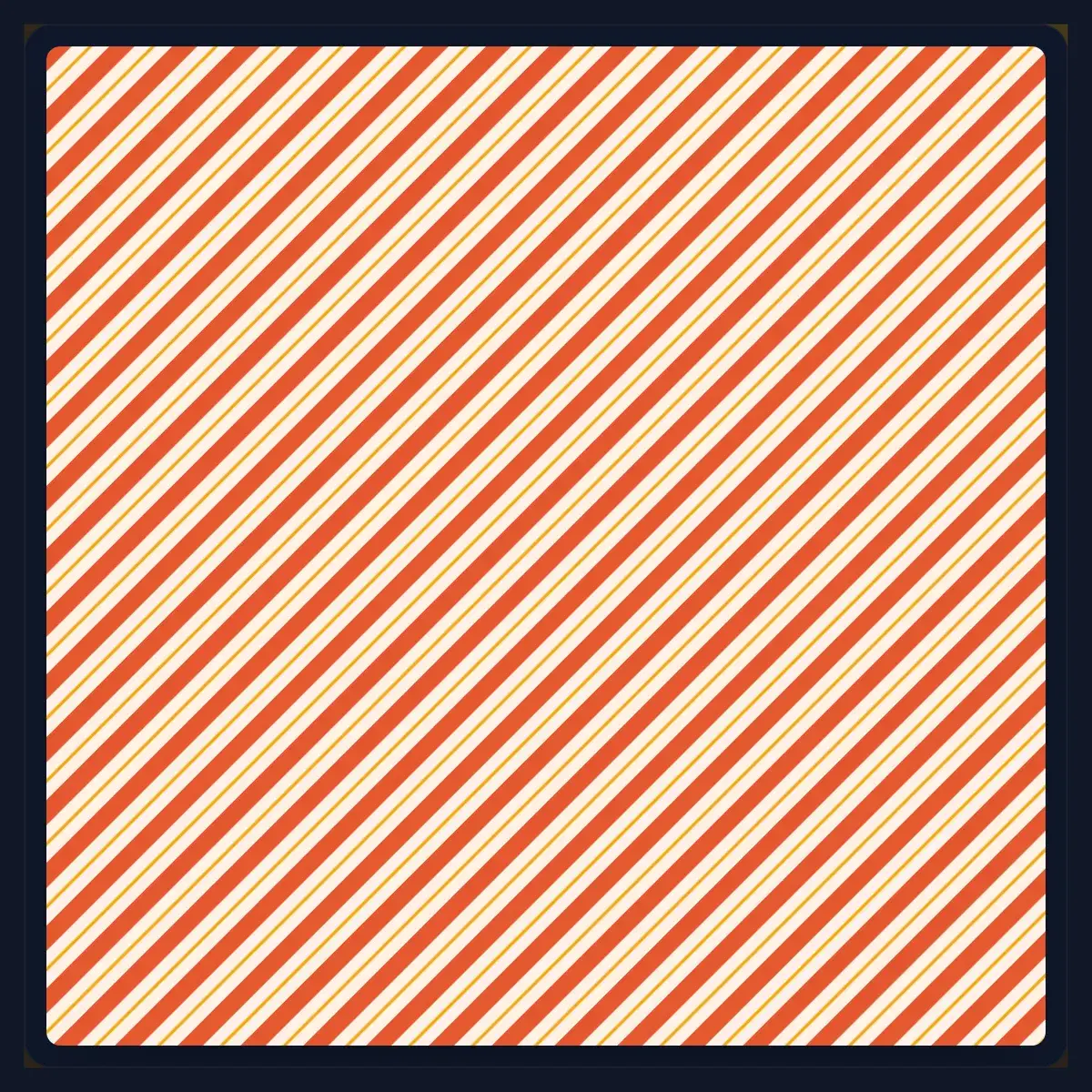
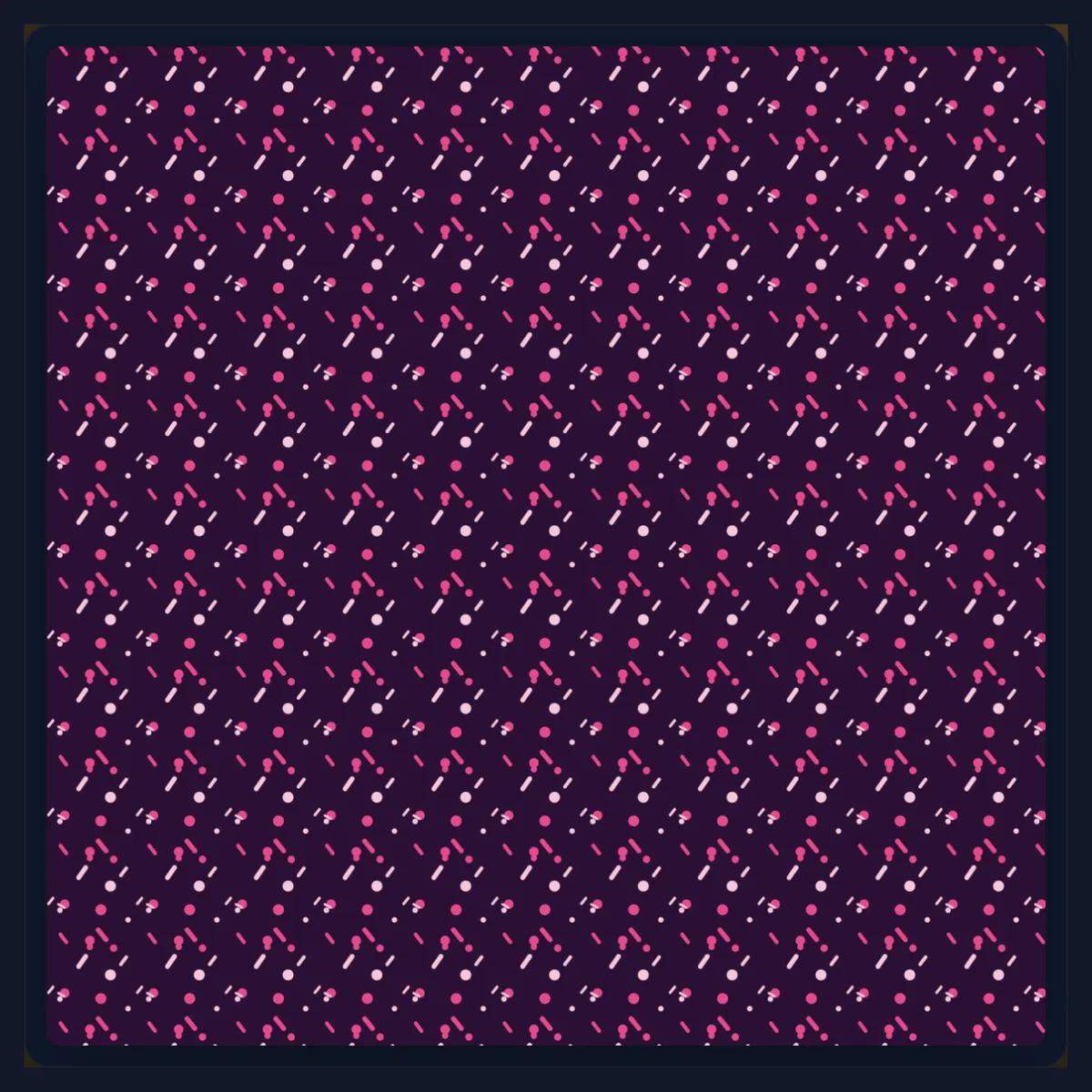
Ten. Polka dots puts a dot in each tile and a smaller accent dot between them; Stripes alternates a bold stripe with a fine accent line and starts at 45°; Checkerboard is two-colour squares; Gingham crosses two see-through bands, so the crossings come out darker, like the woven cloth; Grid draws lines with an accent dot where they cross; Waves is a smooth repeating curve; Chevron is a zigzag; Honeycomb is hexagon outlines; Crosses offsets large and small plus signs; Confetti scatters dots and rounded dashes.
Every pattern uses the same three colours, background, shapes and accent, so switching patterns keeps your colours.
How do I choose colours that work?
Start from a palette: Navy and cream, Sage, Sunset, Berry, Ocean or Mono each set the background, shapes and accent together. Then change any of the three with the colour pickers. Patterns are easiest on the eye when the background and shapes differ clearly in lightness and the accent is used sparingly; a pattern behind text should be low in contrast, so the text stays readable.
For a brand pattern, set the shapes to the brand's main colour and the background to a light tint of it, then pick the accent from a second brand colour.
What do size, weight and rotation do?
Size is the tile in pixels, from 8 to 240: it sets how large and how far apart everything is. Weight sets how heavy the shapes are within the tile, from thin lines and small dots at 5% to bold stripes and large dots at 90%. Rotation turns the whole pattern, from 0° to 180°, while it stays seamless across the image.
For a tile to repeat on its own in another app it must not be turned, so the tile download is offered at 0°. The polka-dot tile at the default 48 pixels was a 1,279-byte SVG.
What size should my pattern image be?
As large as where it will be shown. Square 1080 suits Instagram posts and profile backgrounds; Wide 1920 × 1080 suits desktop wallpapers, slides and YouTube; Story 1080 × 1920 suits phone wallpapers and stories; A4 at 300 dpi (2480 × 3508) suits printing on standard paper; Custom takes any size up to 8,000 pixels a side, kept within the largest canvas iPhone browsers allow.
The size of the image does not change the pattern's scale: a 48-pixel tile is 48 pixels at any size, so a bigger image shows more repeats. The default polka dots at 1920 × 1080 made a 277,451-byte PNG.
Why does gingham look woven?
Because it is drawn the way the cloth is made. Real gingham is woven from coloured and white threads: where two coloured bands cross, both threads are coloured, so the square is darker; where one band passes, the square is mid-tone; elsewhere it is white. The pattern draws two see-through bands at half strength across each tile, so their crossing is three-quarters covered and comes out darker without a third colour.
Change the shapes colour and all three shades follow; raise the weight for wider bands.
How do I use a pattern as a website background?
Download the tile as SVG at 0° and set it as the background image of the page or section, repeated; at a few kilobytes it loads almost instantly and stays sharp on every screen. For a whole-page image instead, download a size close to the screen and set it to cover. Keep a pattern behind text quiet, with a light palette and a small size, so the text stays readable.
Check the colours against the site's own: a pattern can look stronger when it fills a large area than it does in a small preview.
How large should the tile be for print?
Larger than for screens. At 300 dpi, a common print resolution, a 48-pixel tile is about 4 millimetres across, which is fine for a fine texture but small for a visible pattern; a 150-pixel tile is about 13 millimetres. Choose A4 at 300 dpi, set the size to how large the motif should be on paper, and preview it at full size before printing.
For print shops that accept vector files, the SVG is the best choice: it prints sharp at any size.
What is the tile download for?
Apps that repeat a pattern themselves. Design tools, website builders and CSS can fill any area with a single tile repeated, and the result is lighter than a large image and never runs out at the edge. Download the tile as SVG for a website or a vector design app, or as PNG for apps that only take pictures.
In CSS, a tile becomes a page background with background-image and background-repeat; in most design apps it can be added as a pattern or texture fill.
What are patterns used for?
Backgrounds for slides, websites, social posts and phone screens; wrapping paper, gift tags and stickers; fabric and print mock-ups; packaging and labels; placeholders behind photos and text; and brand textures that make a set of designs look related.
A pattern behind text works best quiet: a low-contrast palette, a small size and a light weight.
Is anything uploaded?
Nothing is uploaded: the pattern is drawn as SVG in your browser and turned into PNG or JPG by the browser itself, with no account. The SVG is plain, readable code, so it can be opened and edited in the SVG editor or any vector app.
The download is exactly the preview: the preview shows the SVG itself, drawn by your browser at screen size.
Why does my pattern look blurry or moiré?
A pattern with a very small size, such as 8 to 12 pixel tiles, can shimmer when it is shown scaled down, because fine lines fall between the screen's pixels. Make the size larger, or show the image at its own size. JPG softens crisp edges: save as PNG or SVG. If a tile repeated in another app shows lines between tiles, check that the app is not scaling the tile; at its own size it joins exactly.
If confetti looks too regular, raise the size so each tile holds more space, or press Shuffle for a different arrangement.
Frequently asked questions
How do I make a seamless pattern?
Pick a pattern, colours and size, and download it as SVG or PNG; every pattern repeats without a seam.
Can I download just the tile?
Yes, as SVG, PNG or JPG, when the pattern is not rotated.
Which format is best for a pattern?
SVG where accepted: tiny and sharp at any size. PNG otherwise; avoid JPG.
Can I use my own colours?
Yes. Start from a palette and change the background, shapes and accent.
Can I make a phone wallpaper?
Yes. Choose Story 1080 × 1920, or a custom size for your phone.
Can I print my pattern?
Yes. A4 at 300 dpi gives a 2480 × 3508 image; SVG prints sharp at any size.
Can I edit the SVG afterwards?
Yes. Open it in the SVG editor or any vector app.
Is anything uploaded?
No. The pattern is drawn in your browser.
Is it free?
Yes, with no account, watermark or limit.
Related tools
- SVG Editor — Edit the SVG pattern further.
- Design and Photo Grids — Lay photos out on a grid.
- Text Effects — Text to go over a pattern.
- Overlay Images — Blend a pattern over a photo.
- SVG to PNG — Turn any SVG into a PNG.
- Create Transparent PNGs — Fade a pattern to transparent.