SVG to PNG
Turn SVG logos, icons and drawings into PNG at 1× to 4× their size. The vectors are drawn again at the size you choose, so edges stay sharp, on a transparent background or any colour you pick.
Updated

How do you convert SVG to PNG?
Add your SVG files, or try the two samples, and choose a scale from 1× to 4×. Each one is drawn and listed with its pixel size and file size. Keep the background transparent or fill it with a colour, click a file to preview it on a checkerboard, and download it or all of them as one ZIP.
SVG stores a picture as shapes, lines and text, so it can be drawn at any size without losing sharpness. PNG stores a fixed grid of pixels, which almost every app accepts. Converting draws the shapes once at the size you need and saves the pixels.
The samples are a round logo and a small picture icon, both drawn by hand as SVG for this page. Your files never leave your device.
How to convert SVG to PNG online
- Add SVG files Choose or drop up to 50 SVG files, or try the samples.
- Choose a scale 1× is the SVG’s own size; 2×, 3× and 4× draw it larger, just as sharp.
- Set the background Keep it transparent, or fill it with a colour.
- Download Save a single PNG, or all of them as one ZIP.
Convert an SVG logo to PNG
A real recording of this tool: two SVG samples converted at 1×, scaled up to 4×, an icon sized from its viewBox, a filled background, and a ZIP download.
- Two SVG samples open and are converted to PNG at 1×.
- The scale is raised to 2×, 3× and 4×.
- The viewBox-only icon is previewed, then the logo.
- A background colour is tried and removed, and both PNGs are downloaded as a ZIP.
What size PNG does each scale make?
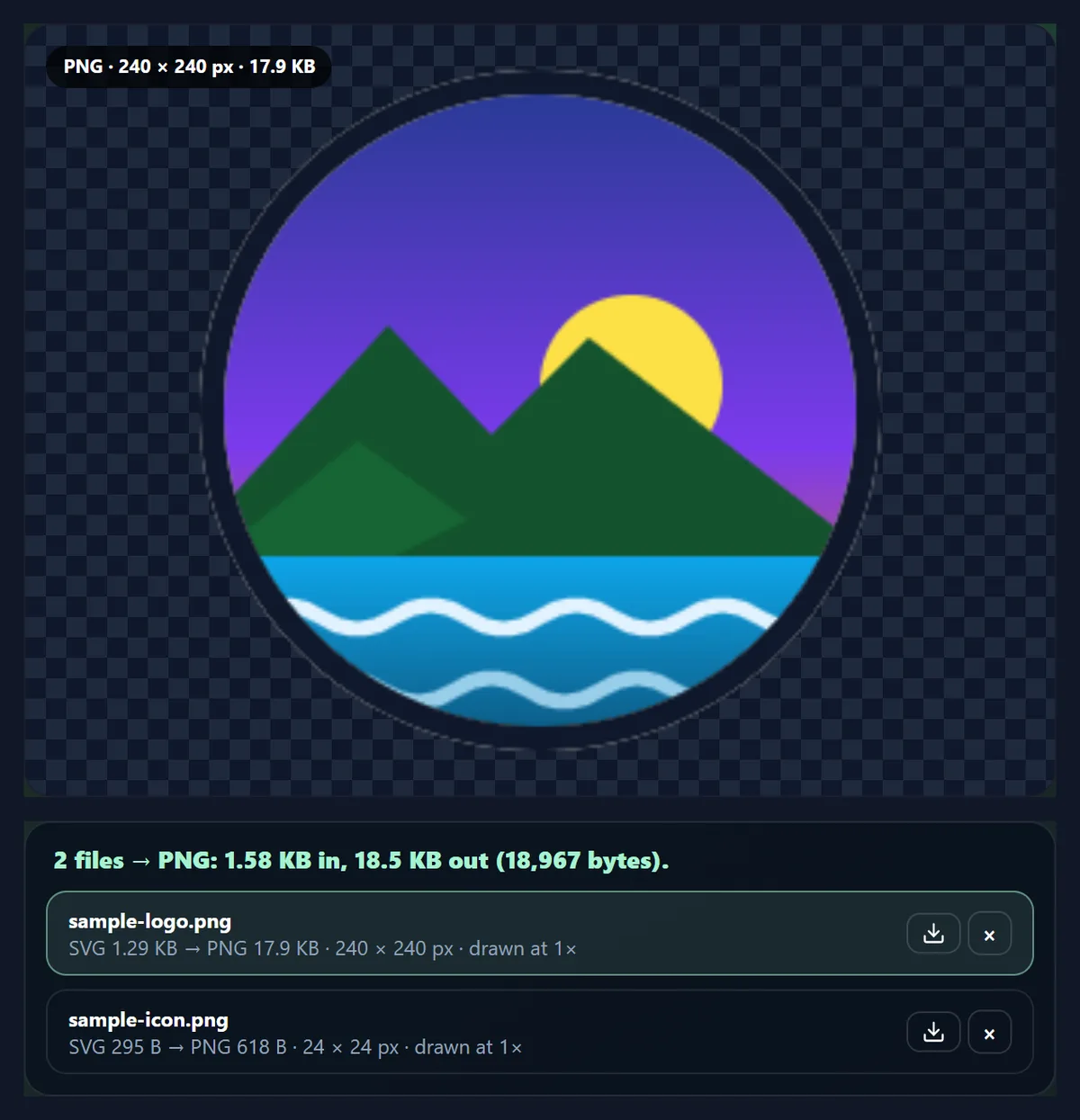
The PNG is the SVG's own size times the scale. The sample logo is 240 × 240 pixels at 1×, so 4× makes a 960 × 960 PNG. The file grows roughly with the number of pixels: about 17.9 KB at 1× and 117.8 KB at 4×, from an SVG of only 1,322 bytes, because the SVG stores shapes and the PNG stores every pixel.
Pick the scale from where the PNG will be shown. For a website, 2× gives a crisp image on high-density phone and laptop screens; for slides, video thumbnails or print, 3× or 4×.
| Scale | Logo pixels | Logo PNG, KB | Icon pixels |
|---|---|---|---|
| 1× | 240 × 240 | 17.9 | 24 × 24 |
| 2× | 480 × 480 | 45.7 | 48 × 48 |
| 3× | 720 × 720 | 81.6 | 72 × 72 |
| 4× | 960 × 960 | 117.8 | 96 × 96 |
Why does the PNG stay sharp at 4×?
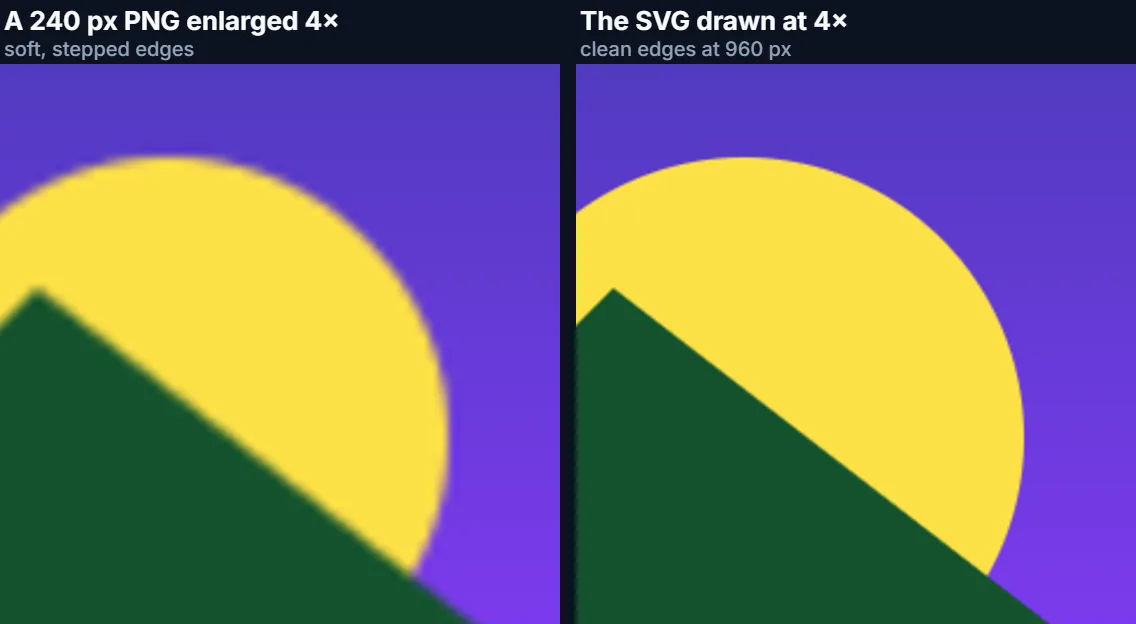
Because the vectors are drawn again at the size you ask for. Before drawing, the tool sets the SVG's own width and height to the target size, so the browser renders every curve and edge directly at 960 pixels rather than drawing a small bitmap and stretching it. Enlarging an existing 240-pixel PNG instead gives soft, stepped edges, as the close-up shows.
That is the main reason to keep logos and icons as SVG and convert them only at the size you need.
How is the SVG’s own size worked out?
From its width and height attributes when they are absolute lengths: pixels, or units such as mm, cm, in or pt, converted at 96 pixels per inch. If they are missing or given in percent, the size comes from the viewBox. If there is neither, browsers use 300 × 150, and so does the tool.
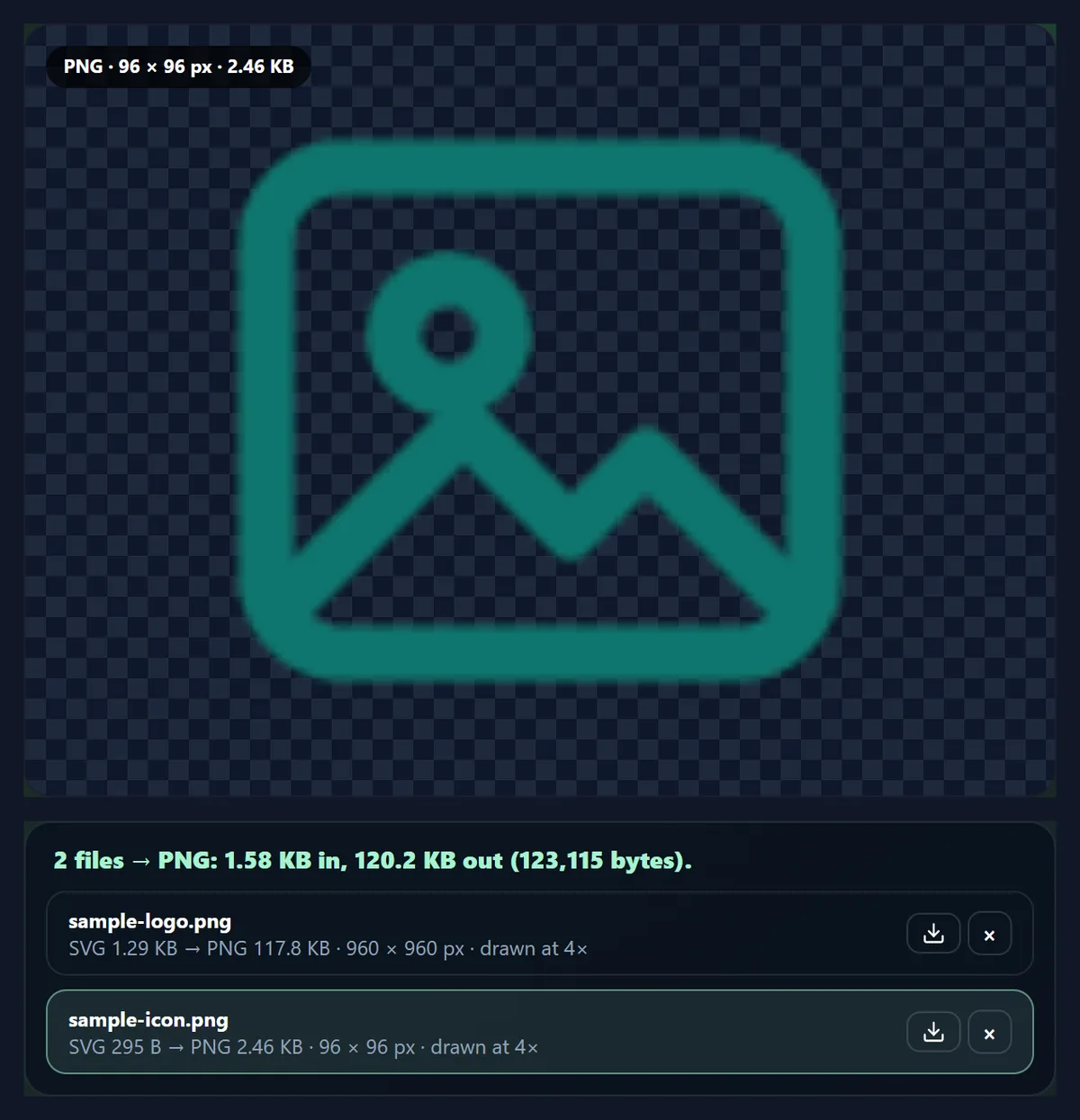
The sample icon has only a viewBox of 0 0 24 24, as most icon sets do, so it is 24 × 24 pixels at 1× and 96 × 96 at 4×. For an icon that has to be large, scale up a viewBox-only SVG further in an editor, or use the 4× PNG.
Transparent or a solid background?
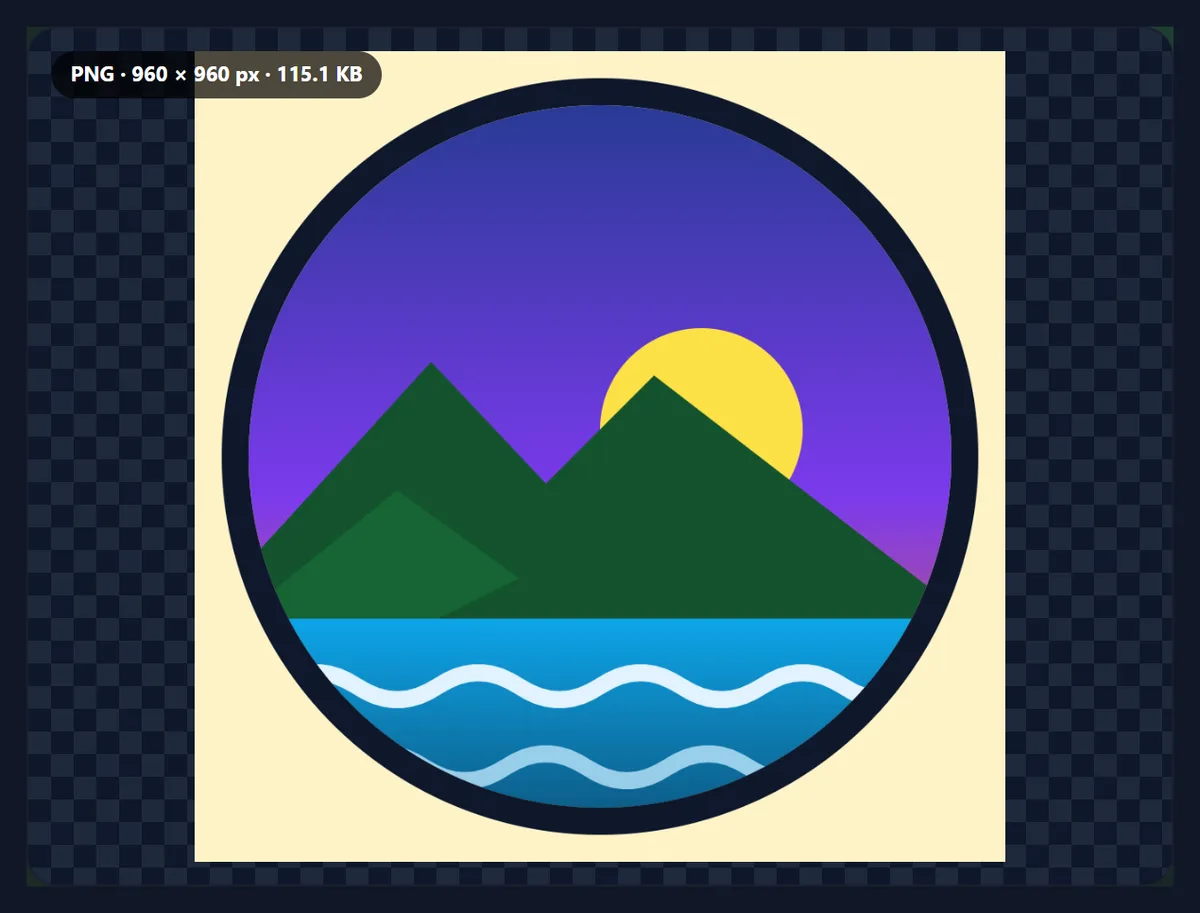
SVG drawings usually have no background, and PNG keeps transparency, so by default the PNG is transparent wherever the SVG has nothing drawn. To place it on a known colour, tick Fill transparent areas and pick one. Choose JPG output if you need a JPG; it always gets a background colour, white by default.
A transparent PNG is the usual choice for logos that will sit on photos, slides or coloured pages.
Why does the text in my SVG look different?
An SVG used as an image cannot load anything from outside itself, so web fonts it links to, and pictures it references by address, are not drawn. Text then falls back to a font installed on the device, which can change its width and look. Scripts and animations do not run either.
For a dependable result, convert text to outlines (paths) in the editor that made the SVG, or embed fonts and pictures inside the SVG file itself.
When should you keep the SVG instead?
Keep the SVG wherever it is accepted: websites, most design tools and many apps. It is tiny, scales to any size and stays editable. Convert to PNG when the place you are putting it does not accept SVG, such as many social networks, email clients, office documents, app stores and upload forms, or when you need a fixed bitmap size, such as a favicon or a profile picture.
The sample logo is 1,322 bytes as an SVG; the 4× PNG is 120,592 bytes.
Can I convert many SVG files at once?
Yes, up to 50, all at the same scale. Each file is listed with its pixel size and file size, and you can download them singly or all together as a ZIP. Names keep their stem with .png, and files that would share a name are numbered.
You can also choose JPG or WebP output from the same list.
What is an SVG file?
SVG (Scalable Vector Graphics) is a W3C standard, first published in 2001, for pictures described as shapes rather than pixels: paths, circles, gradients and text, written as plain XML that you can open in a text editor. Because the shapes are drawn fresh at whatever size is needed, an SVG stays sharp from a tiny icon to a billboard, and simple logos and icons are often only a few kilobytes.
Every current web browser shows SVG, and design tools such as Figma, Illustrator and Inkscape export it, which is why so many logos and icon sets come as SVG.
Which scale should I choose for high-density screens?
Phones and many laptops pack two or three screen pixels into each CSS pixel, so a picture shown 120 pixels wide on a web page needs 240 or 360 real pixels to look crisp. Choose 2× or 3× for pictures on websites and apps, matching the size at which they will be shown, and let the page display them at half or a third of their pixel size.
For print, work out the size in inches and multiply by 300 to get the pixels needed.
Can I convert SVG to JPG?
Yes: choose JPG as the output. JPG has no transparency, so the areas the SVG leaves empty are filled with the background colour, white by default. JPG suits pictures with gradients and photos inside them; for flat logos and icons, PNG is usually both smaller and crisper, because JPG blurs hard edges slightly.
WebP is a third option, smaller than PNG and with transparency, for pictures that will be shown on websites.
Is it safe to open SVG files here?
Yes. SVG files can contain scripts and links, which run when an SVG is opened directly as a page in a browser tab. This tool never does that: it draws each SVG as an image, the way web pages show SVG pictures, and in that mode browsers run no scripts and load nothing from outside the file.
That is also why linked fonts and pictures do not appear; embed them in the SVG or convert text to outlines first.
Does it work on a phone?
Yes. The tool runs in any current mobile browser, so you can convert SVG files straight from your phone's photos or files. On an iPhone, downloads go to the Downloads folder in the Files app; on Android, to the Downloads folder. Phones have less memory than computers, so convert very large images, or long lists of them, a few at a time.
Nothing is installed and nothing is uploaded, so it works the same on a phone, a tablet or a computer.
What about animated or interactive SVGs?
A PNG holds one still picture, so an animated SVG is captured as it looks when it is first drawn, before any animation has run, and interactive parts such as hover effects or scripts do nothing, because SVG drawn as an image never runs them. Design the still frame you want in an editor, or export the animation as a video or GIF with another tool.
Will my file names change?
Only the ending: logo.svg becomes logo.png. Spaces and unusual characters become hyphens so the name works on every system and website, and very long names are shortened to 80 characters. If two files in a batch would end up with the same name, the second gets -2 and the third -3, so nothing in a ZIP is overwritten.
Is anything uploaded?
No. The SVG files are read, drawn and saved inside your browser tab, and no account is needed. Drawing happens in the browser's own image renderer, the same one that shows SVG images on web pages. Sizes above 40 megapixels are refused to protect the tab's memory.
The 4× logo came out as a 960 × 960 PNG of 120,592 bytes with transparent corners.
Why is my PNG blank or cut off?
A blank PNG usually means the drawing depends on something outside the file, such as an external picture or a CSS file, which cannot load when an SVG is drawn as an image; or the shapes sit outside the viewBox. A cut-off PNG means the width and height do not match the viewBox's shape; the tool keeps the drawing centred and whole, so check the SVG's viewBox in an editor.
If the SVG is very large, choose 1× first and check the pixel size in the list before going higher.

Frequently asked questions
How do I convert SVG to PNG?
Add the SVG, choose a scale, and download the PNG.
Will the PNG be sharp?
Yes. The vectors are drawn at the size you choose, not stretched.
Can the PNG be transparent?
Yes, by default; or fill it with a colour.
How big will the PNG be?
The SVG’s own size times the scale you pick, up to 4×.
Why does my text look different?
Linked web fonts cannot load; convert text to outlines first.
Can I convert many SVGs at once?
Yes, up to 50, downloaded as one ZIP.
Can I get a JPG instead?
Yes, choose JPG output; it gets a background colour.
Are my files uploaded?
No. Everything happens in your browser.
What if my SVG has no width and height?
Its size comes from the viewBox, or 300 × 150 if it has none.
Is it free?
Yes, with no account, watermark or limit.
Related tools
- SVG Editor — Edit the SVG first.
- Image Converter — Any format to JPG, PNG or WebP.
- WebP to PNG — WebP files to PNG.
- PNG to JPG — PNG files to JPG.
- Background Remover — Transparent PNGs from photos.
- AI Image Upscaler — Enlarge a bitmap instead.