Lottie Animation Player
Open a Lottie JSON or .lottie file: play, pause and scrub it, change its colours, and convert it to an MP4, a GIF or a transparent PNG frame, all in your browser.
Updated
How do you preview and convert a Lottie animation?
Drop a Lottie .json or .lottie file on the player, or try the sample. It plays at once, with its size, frame count, frame rate and layers shown. Pause and scrub it, change its speed and background, and change any of its flat colours. Then make an MP4 for social media and video apps, a GIF that repeats forever, or a PNG of one frame with a transparent background.
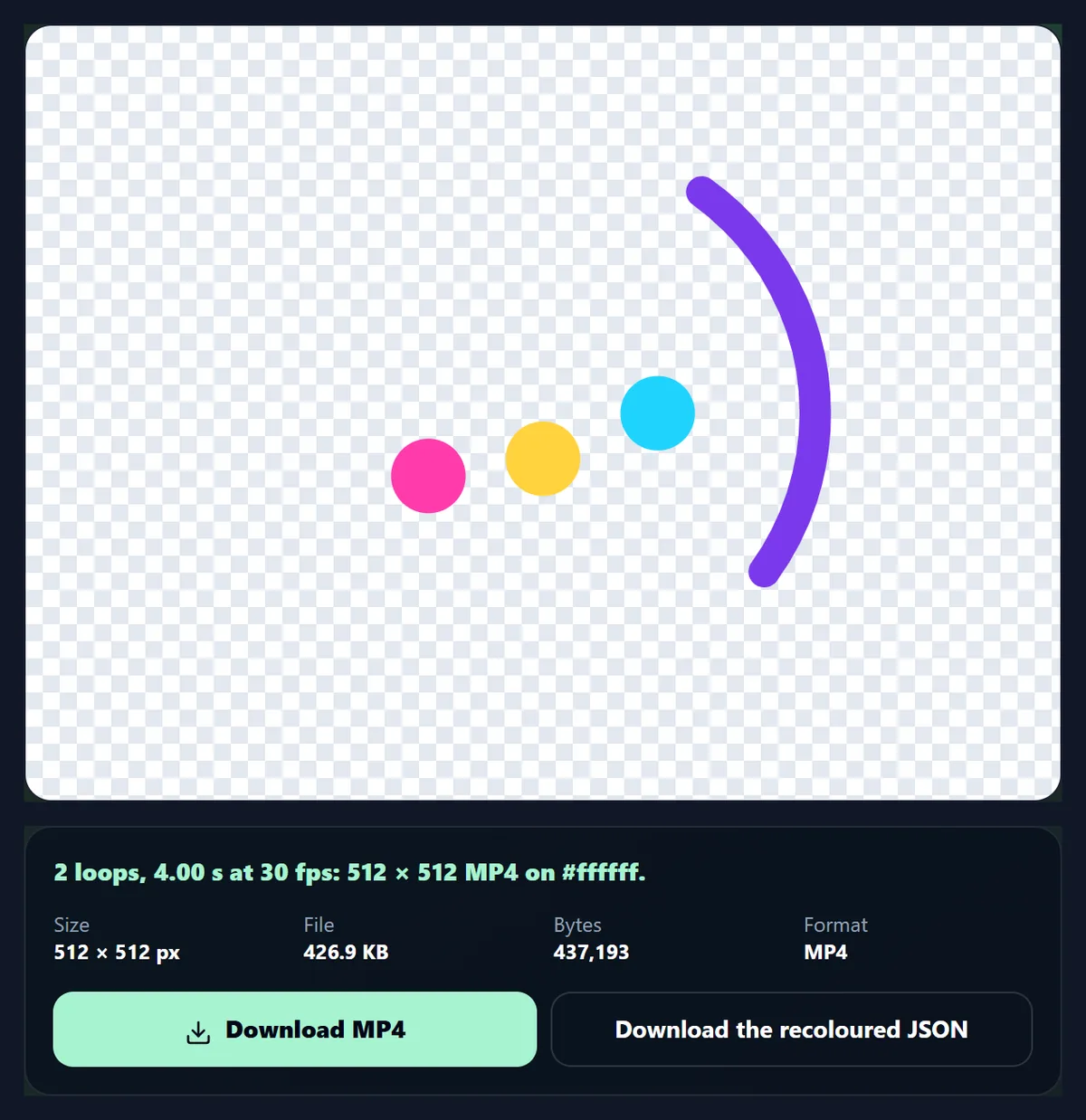
The 3,066-byte sample loader became a 426.9 KB MP4 and a 257.3 KB GIF. Everything happens in your browser, with nothing uploaded.
How to convert a Lottie
- Open the file Drop a .json or .lottie file, or try the sample.
- Check it Play, pause, scrub, change speed and background.
- Recolour it Change any flat colour, and download the new JSON.
- Export Make an MP4, a GIF or a transparent PNG frame.
Preview and convert a Lottie animation
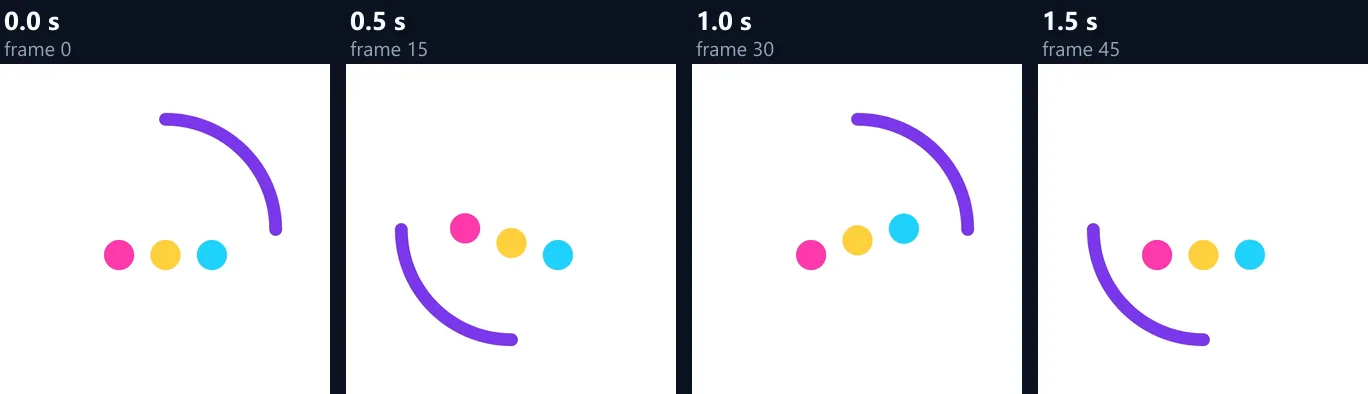
A real recording of this tool: the sample loader animation playing, paused and scrubbed, played at double speed, recoloured on a dark background, and exported as a GIF.
- The sample Lottie loader animation plays.
- It is paused, scrubbed to a frame, and played at double speed.
- One of its colours is changed to orange, and the background set to dark.
- A GIF is made from it.
Why is a Lottie so much smaller than a video?
Because it stores instructions, not pictures. A Lottie file is JSON that describes shapes, colours and how they move between keyframes; the player draws every frame live, at any size. A video or GIF stores every frame as pixels. The sample loader animation was 3,066 bytes as Lottie JSON; the MP4 the tool made from it was about 143 times larger and the GIF about 86 times larger, even though they show exactly the same thing.
That is why apps and websites use Lottie for icons, loaders and onboarding animations: tiny files, sharp at any size, with a transparent background. Convert to MP4 or GIF only where Lottie cannot be played: social media, messaging apps, presentations, email and video editors.
| File | Size | What it holds |
|---|---|---|
| Lottie JSON (the original) | 3 KB | 512 × 512, 60 frames at 30 fps, shapes and keyframes |
| MP4 (H.264) | 426.9 KB | 512 × 512, 120 frames, 4 s (two loops), white background |
| GIF | 257.3 KB | 512 × 512, 60 frames, repeats forever, white background |
| PNG (one frame) | 16.3 KB | 512 × 512, transparent |
Which files can I open?
Lottie JSON files (.json), as exported from After Effects with the Bodymovin plugin or downloaded from animation libraries, and dotLottie files (.lottie), which are ZIP archives holding the animation JSON with its images. For a .lottie file the tool opens the first animation listed in its manifest and puts its images into the animation, so everything plays from one file.
When a file opens, the panel shows its size, number of frames, length, frame rate, file size and number of layers. A JSON file that is not a Lottie animation, with no layers or size, is refused with a message.
Can I play, pause and step through it?
Yes. The animation plays on a loop as soon as it opens. Pause it, then drag the frame slider to step through it frame by frame; the frame number shows where you are. Speed plays it from a quarter to twice its normal speed, to check fast details or see the timing at a glance. Speed only changes the preview: exports always use the animation's own frame rate.
The background behind the preview can be checks (to see what is transparent), white, dark or cream, so you can check the animation on the colour it will be shown on.
Can I change the colours of a Lottie?
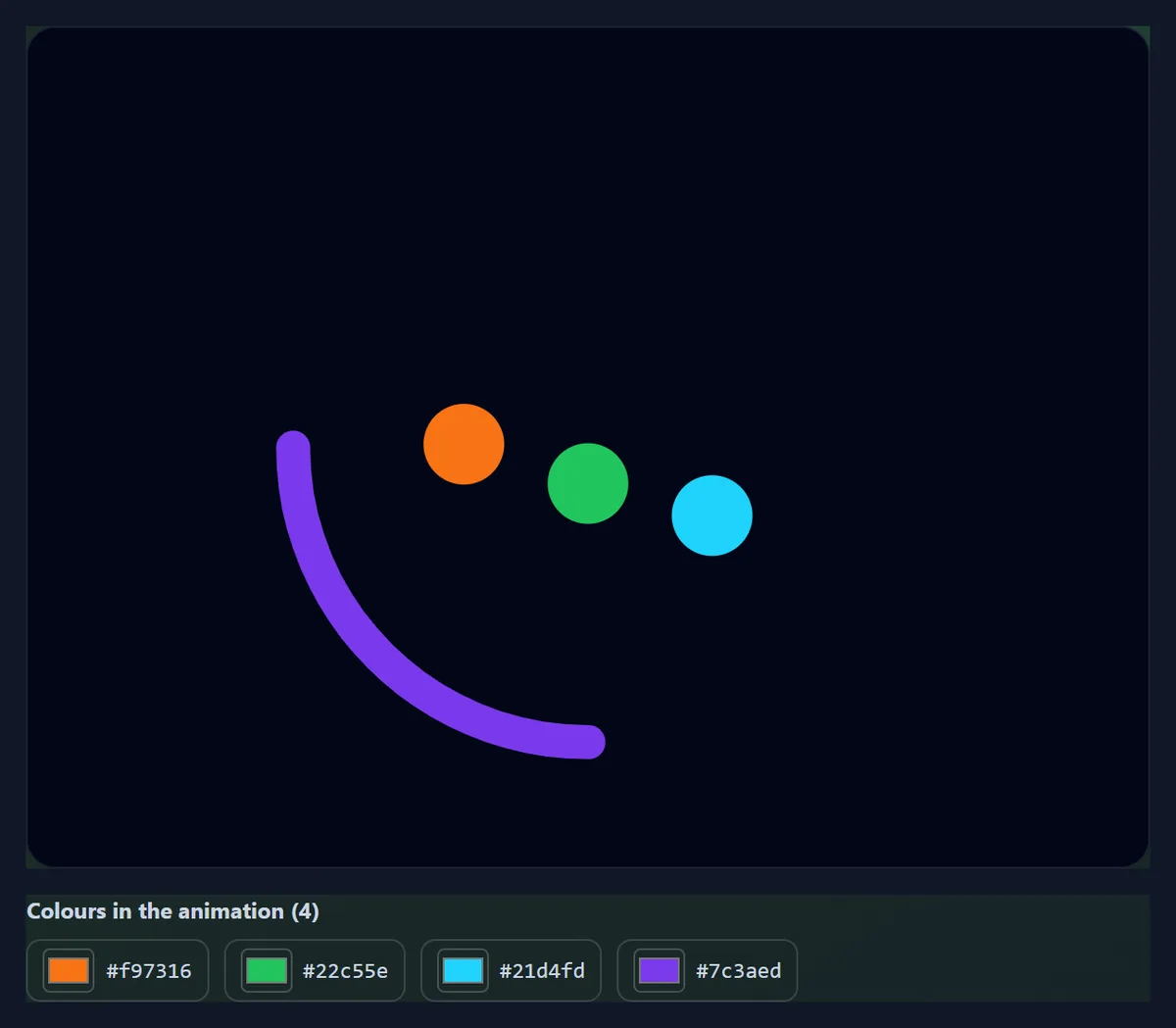
Yes, its flat colours. The tool lists every fill and stroke colour that does not change over time, most used first, with a colour picker for each. Change one and every shape that used it changes, and the animation restarts with the new colours; the alpha (opacity) of each colour is kept. Download the recoloured JSON to use the new colours in your app or website, or export it as MP4, GIF or PNG.
Colours that are animated (that change during the animation), gradients and colours inside images are not listed, because one picker cannot represent them. In the figure, the two most used colours were changed to orange and green.
How do I convert a Lottie to MP4?
Choose MP4 and press Make MP4. Every frame is drawn at the size you set and encoded by your browser as H.264 video at the animation's own frame rate, on the background colour you picked (white when the preview shows checks, since MP4 cannot be transparent). Loops repeats the animation one to five times in the video, because many apps play a video once instead of looping it: the sample, with the default two loops, became a 4-second MP4 of 120 frames, 426.9 KB.
MP4 is the right choice for Instagram, TikTok, YouTube, presentations and video editors. It is far smaller than a GIF of the same animation and keeps full colour.
How do I make a GIF from a Lottie?
Choose GIF and press Make GIF. The GIF holds the animation once and is set to repeat forever, which every browser and messaging app honours. GIF has only 256 colours per frame and no partial transparency, so the background colour is filled in and smooth gradients can show bands. The sample came out 512 × 512, 60 frames, 257.3 KB.
GIF frame timings are whole hundredths of a second, so the tool times each frame to end where it should, rounded: at 30 frames a second the frames alternate between 30 and 40 milliseconds, and the GIF keeps the animation's real speed. Above 50 frames a second it keeps every other frame, because browsers slow GIF frames shorter than 20 milliseconds right down.
Can I save one frame as a PNG?
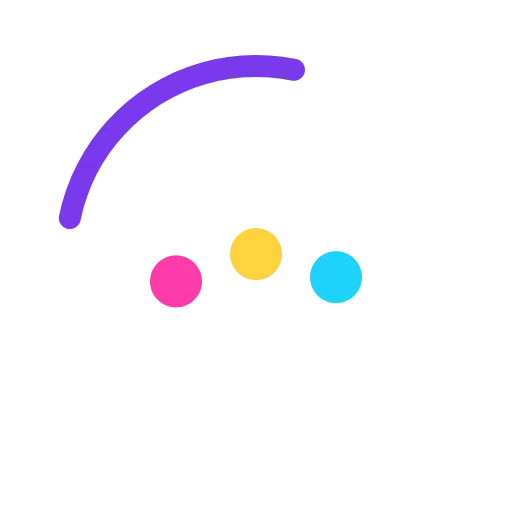
Yes. Pause on the frame you want, choose PNG and press Make PNG: that frame is saved with a transparent background, at the scale you set. Use it as a still for a thumbnail, a poster frame, a static fallback for places that cannot play animation, or an icon. A frame of the sample was a 512 × 512 PNG of 16.3 KB.
Because Lottie is drawn from shapes, a frame can be exported larger than the animation's own size without blurring: set Scale to 2× or 3×.
What size will my export be?
The animation's own size times the Scale slider, from half to three times, shown next to the slider. Exports are capped at 1,920 pixels on the long side, and widths and heights are rounded to even numbers, which H.264 video needs. A 512 × 512 animation at 2× becomes 1024 × 1024; at 3×, 1536 × 1536.
Larger exports take longer and make bigger MP4 and GIF files; for social media, 1080 pixels on the long side is plenty.
What is a Lottie used for?
Loading spinners, animated icons and buttons, onboarding screens, empty states, success ticks and celebrations in apps and websites; animated stickers; and small explainer animations. Designers make them in After Effects or in Lottie editors and export JSON; developers play them with a Lottie player library on the web, iOS and Android.
This page is for checking a Lottie file before using it, adjusting its colours to a brand, and turning it into a video, GIF or image for places where Lottie cannot play.
Will every Lottie play correctly?
Most will. The tool plays files with lottie-web, the open-source Lottie player published by Airbnb, using its canvas renderer. Lottie files can use a large set of After Effects features, and every Lottie player supports a slightly different part of it; if something looks different here from where the file came from, that feature is probably not supported by lottie-web's canvas renderer. Animations with images or fonts that live outside the file cannot load them.
lottie-web is used under the MIT licence; its notice is linked under the tool.
How do I put a Lottie on a website?
Use a Lottie player with the JSON or .lottie file: lottie-web, the same player this page uses, or the dotLottie player for .lottie files. Both draw the animation live, sharp at any size and with a transparent background. Where a player cannot be used, such as an email or a platform that only takes images and video, use the GIF or MP4 made here instead.
For visitors who have asked their device for less motion, show a still frame instead of the animation: the PNG export here gives you that frame.
What is the difference between .json and .lottie files?
A .json file is the animation itself, as plain text; images it uses are either embedded in it or kept as separate files next to it. A .lottie file is a ZIP archive that packs the animation, its images and a manifest into one compressed file, usually smaller than the JSON, and it can hold more than one animation.
This page opens both. For a .lottie with several animations it plays the first one its manifest lists; the recoloured download is always plain JSON, which every Lottie player can read.
Is a Lottie always lighter than a video on a website?
Not for a single small animation. The animation file is tiny, but a page also has to load a Lottie player: lottie-web's canvas build, which this page uses, is 266 KB of JavaScript, about 68 KB once compressed for download. For one short loop, an MP4 or animated WebP of a few dozen kilobytes can be lighter overall; for several animations on a site, or for animations that must stay sharp at every size, Lottie wins.
Measure both for your own animation: make the MP4 here and compare its size with the JSON plus the player.
Is my file uploaded?
No. The Lottie is opened, played, recoloured and converted inside your browser tab; MP4 video is encoded by the browser itself and GIFs by a small encoder that runs in the page. Nothing is sent anywhere and no account is needed.
Long animations and large scales take longer to export, because every frame is drawn and encoded; the progress shows on the button while it works.
Frequently asked questions
How do I convert a Lottie to MP4?
Open the file, choose MP4 and press Make MP4, then download it.
Can I convert a Lottie to GIF?
Yes. The GIF repeats forever, on a background colour you choose.
Can I open .lottie files?
Yes, as well as Lottie JSON files.
Can I change a Lottie’s colours?
Yes, its flat fill and stroke colours, and download the recoloured JSON.
Can the export be transparent?
The PNG frame is. MP4 and GIF get a solid background.
Why is my MP4 longer than the animation?
It repeats the animation the number of times set by Loops; set it to 1 for one pass.
Is my file uploaded?
No. Everything happens in your browser.
Which player does it use?
lottie-web, the open-source player, under the MIT licence.
Is it free?
Yes, with no account and no watermark.
Related tools
- Animator — Animate designs in HueFold.
- Text Animations — Moving text for videos.
- Video to GIF — Turn a video into a GIF.
- Photo Animation — Turn a photo into a short video.
- Video to MP4 — Convert other videos to MP4.
- Free GIFs — Find GIFs to use.