WebP to PNG
Turn WebP images into PNG files that keep their transparent backgrounds and every pixel, for apps and sites that do not accept WebP. Convert up to 50 at once and download them singly or as one ZIP.
Updated

How do you convert WebP to PNG?
Add your WebP files, or try the two samples. Each one is converted at once and listed with its size as WebP and as PNG. Click a file to preview it on a checkerboard that shows any transparency, optionally fill transparent areas with a colour, and download it or all of them as one ZIP.
WebP and PNG both support transparency, so converting a transparent logo or sticker keeps its background clear. PNG is lossless and works almost everywhere, which makes it the usual choice when a WebP will not open in an editor, a presentation or an upload form.
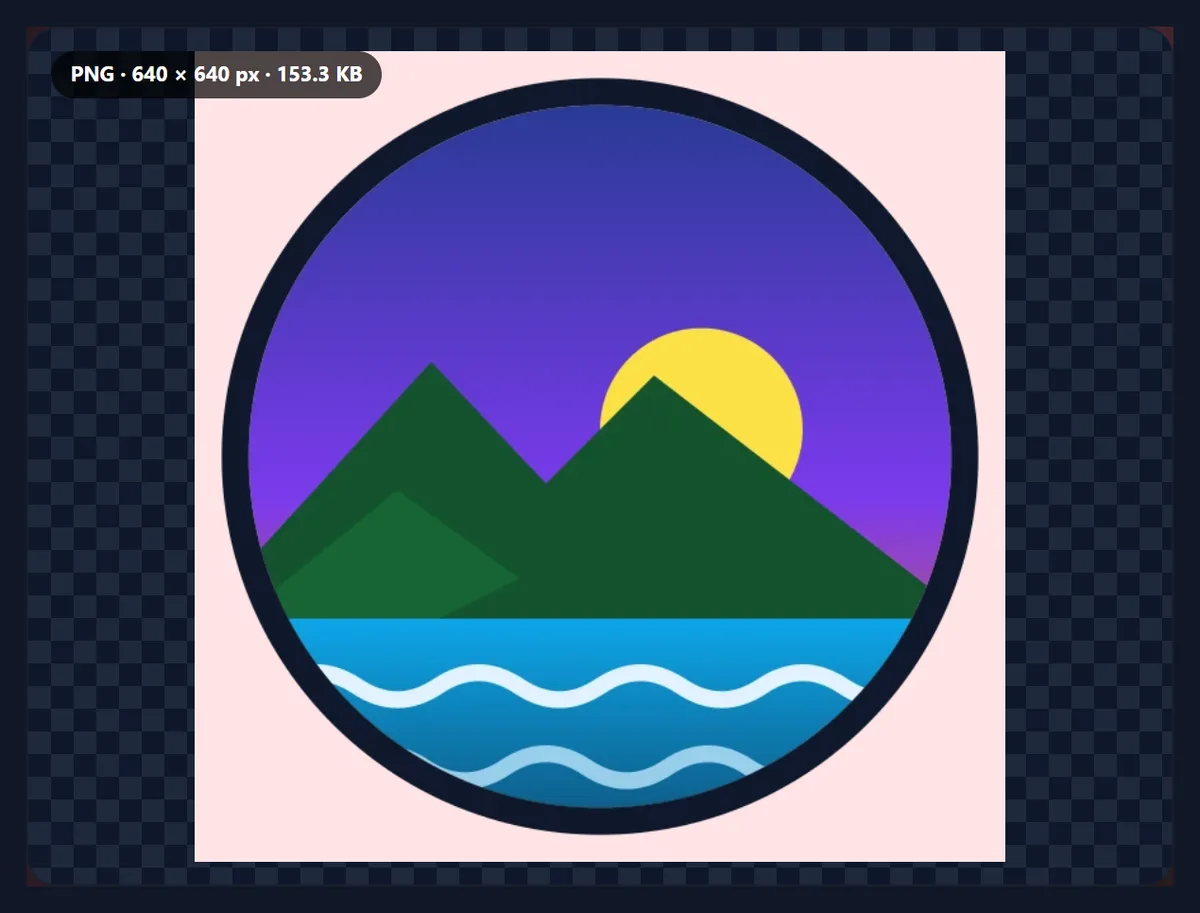
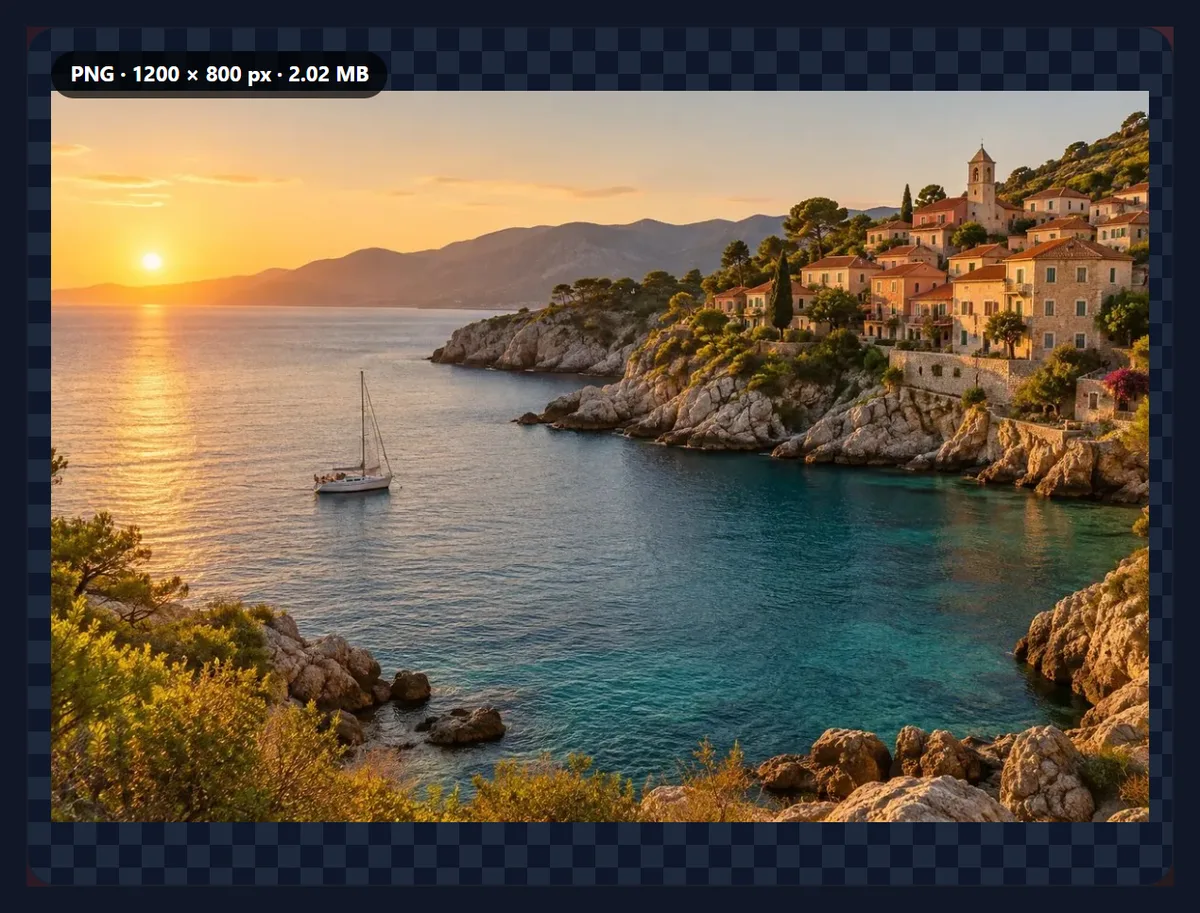
The samples are a round logo saved as a transparent WebP and a coastal photo saved as WebP. Your files never leave your device.
How to convert WebP to PNG online
- Add WebP files Choose or drop up to 50 WebP files, or try the samples.
- Check the list Each file is converted at once and listed with its size as WebP and as PNG.
- Keep or fill transparency Transparency is kept; tick Fill transparent areas for a solid background.
- Download Save a single PNG, or all of them as one ZIP.
Convert two WebP files to PNG
A real recording of this tool: two WebP samples converted to PNG, a transparent logo kept transparent, a photo previewed, and a ZIP download.
- Two WebP samples open and are converted to PNG.
- The transparent logo keeps its transparent corners.
- The photo is previewed as a PNG.
- Both PNGs are downloaded as one ZIP.
How much bigger is the PNG?
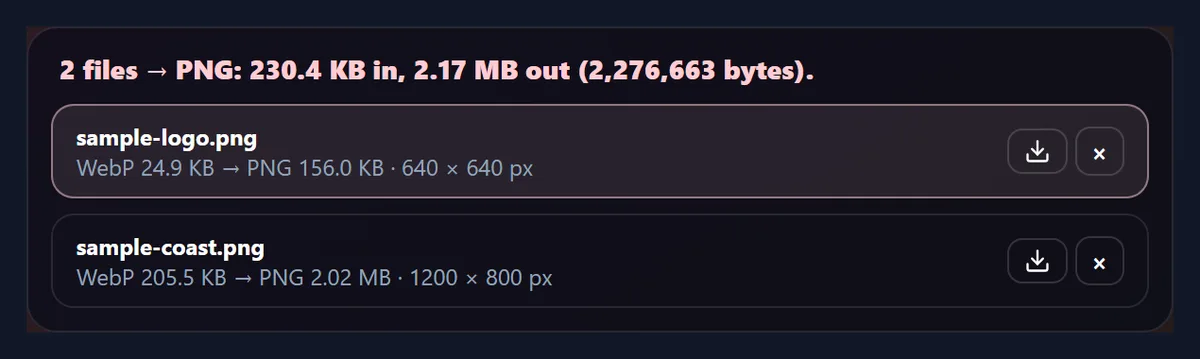
Usually a lot. PNG stores every pixel exactly, while lossy WebP stores an approximation, and the faint noise that lossy compression leaves behind is exactly what PNG compresses worst. Even the flat sample logo went from 25,494 bytes as WebP to 159,740 bytes as PNG, 6.3 times larger; photos saved as 80% WebP became 10.0 to 24.2 times larger.
That is the price of a lossless file. Convert photos to PNG only when you need what PNG offers; for sharing photos, JPG is usually the better target.
| Sample | WebP bytes | PNG bytes | PNG ÷ WebP |
|---|---|---|---|
| Logo with transparency | 25,494 | 159,740 | 6.3 |
| Coast photo | 210,704 | 2,116,126 | 10.0 |
| Product photo | 62,834 | 1,132,469 | 18.0 |
| Street portrait | 88,130 | 1,537,796 | 17.4 |
| Desk photo | 55,228 | 1,336,287 | 24.2 |
Does WebP to PNG keep transparency?
Yes. Both formats store transparency, so a transparent WebP becomes a transparent PNG with the same soft edges, ready to place on any background. The sample logo came out as a 640 × 640 PNG of 159,740 bytes with its transparent corners intact.
If you want a solid background instead, tick Fill transparent areas and pick a colour.
Why convert WebP to PNG?
Because PNG is accepted almost everywhere WebP is not: older editors, presentation and office apps, design tools, print workflows and upload forms. PNG is the safe choice for logos, icons, stickers and screenshots, especially with a transparent background, which JPG cannot keep.
PNG is also lossless, so a picture saved as PNG can be edited and saved again and again without losing anything more. Converting does not undo the loss from the WebP's own compression; it stops any further loss.
Is anything lost converting WebP to PNG?
No. The PNG stores exactly the pixels the WebP decodes to. If the WebP was lossless, the PNG is a perfect copy of the original picture; if it was lossy, the PNG is a perfect copy of the WebP, including any smudging its compression caused.
The only things not carried over are metadata, such as EXIF and XMP: the PNG holds just the picture. Colours are saved in sRGB.
What about animated WebP files?
PNG as used here holds a single still picture, so an animated WebP gives its first frame. For the whole animation, convert it to a GIF or a video with a GIF or video tool instead.
Stickers and reactions in messaging apps are often animated WebP; this tool saves their first frame as a still PNG.
Can I convert many WebP files at once?
Yes, up to 50. Each file is listed with its size as WebP and as PNG, with any filled transparency noted, and you can download them one by one or all together as a ZIP. Names stay the same apart from the extension, and files that would share a name are numbered.
Settings apply to the whole list, so ticking Fill transparent areas converts every file again with the new background.
Why does my .png file say it is WebP?
Websites often send WebP to browsers that support it, even for images whose addresses end in .png, and the browser saves them under that name. The converter reads the file's bytes, not its name, so it shows the real format and makes a genuine PNG that any app will open.
Files are recognised the same way for every format the converter opens.
What is WebP?
WebP is an image format Google introduced in 2010 for the web. It has a lossy mode, based on the VP8 video codec, which competes with JPG, and a lossless mode, which competes with PNG; both support transparency, and WebP can also hold animations. Chrome, Edge, Firefox and Safari all show it, which is why so many websites now serve their pictures as WebP.
Outside the browser, support is patchier: some editors, office apps, print services and upload forms still accept only JPG or PNG.
Does it work on a phone?
Yes. The tool runs in any current mobile browser, so you can convert WebP images straight from your phone's photos or files. On an iPhone, downloads go to the Downloads folder in the Files app; on Android, to the Downloads folder. Phones have less memory than computers, so convert very large images, or long lists of them, a few at a time.
Nothing is installed and nothing is uploaded, so it works the same on a phone, a tablet or a computer.
Should I convert WebP to PNG or to JPG?
PNG for logos, icons, stickers, screenshots and anything with transparency or sharp text: it keeps the transparency and every pixel. JPG for photos: it is a fraction of the size and opens everywhere. A photo saved as PNG is not better than the same photo as a high-quality JPG; it is just much bigger.
If you are not sure, convert one file both ways and compare the sizes the tools show.
Can I convert WhatsApp or Telegram stickers?
Static stickers in WhatsApp and Telegram are WebP files with transparent backgrounds, so they convert to transparent PNGs here, ready for presentations, documents or design tools. Animated stickers give their first frame. Respect the rights of whoever made the stickers.
Why won’t my design app open WebP files?
Support for WebP arrived late in many desktop apps, and older versions of editors, office suites and presentation software still do not open it. PNG has been supported everywhere for decades and keeps transparency, which makes it the safest format to hand to any app.
Images saved from websites are often WebP under a .png or .jpg name; the tool shows the real format of each file.
Why do pictures I save from websites come out as WebP?
Because many sites send WebP to browsers that can show it, to save bandwidth, whatever the image's name. Saving the image keeps exactly what arrived. Converting it to PNG afterwards gives a file every app can open, with any transparency intact.
Will my file names change?
Only the ending: sticker.webp becomes sticker.png. Spaces and unusual characters become hyphens so the name works on every system and website, and very long names are shortened to 80 characters. If two files in a batch would end up with the same name, the second gets -2 and the third -3, so nothing in a ZIP is overwritten.
What if my WebP is lossless?
Then the PNG is a perfect copy of the original picture: lossless WebP and PNG both keep every pixel exactly, so converting loses nothing at all. The PNG is usually somewhat bigger, because WebP's lossless mode compresses more cleverly than PNG.
If the WebP was lossy, the PNG is a perfect copy of the WebP as it is, including whatever its compression changed.
Are soft edges and shadows kept?
Yes. Transparency in WebP and PNG is not just on or off: each pixel has its own opacity, from fully clear to fully solid, which is how logos get smooth curves and stickers get soft drop shadows. The PNG keeps every pixel's opacity exactly as the WebP had it, so the picture blends into any background the same way.
Filling the transparent areas with a colour blends those soft pixels with it, which is what you want only if the picture will always sit on that colour.
What happens to the WebP’s metadata?
The PNG holds only the picture. EXIF and XMP information that some WebP files carry, such as a camera model, a date, a location or editing history, is not copied into the PNG. That is usually what you want for pictures you share; keep the original WebP if you need the details.
How can I see the transparent areas?
The preview shows each converted PNG on a grey checkerboard, the usual way of showing transparency: wherever you see the checkerboard through the picture, the PNG is transparent. If you fill the transparent areas with a colour, the preview shows that colour instead, and the list notes that transparency was filled.
Is anything uploaded?
No. The files are opened, converted and saved inside your browser tab, and no account is needed. Images up to 40 megapixels can be opened. Large PNGs take a moment to make, because every pixel has to be stored; the list shows each file as it finishes.
Because nothing is uploaded, the files never sit on anyone else's server.
Why is my PNG so large?
Because the picture is a photo. PNG keeps every pixel exactly, which suits graphics but costs a lot for photos. If you do not need transparency or a lossless copy, convert to JPG instead, which is many times smaller. If you do need transparency in a smaller file, keep the WebP wherever it is accepted.
If the PNG shows a white box where you expected transparency, the WebP itself had a white background; converting cannot remove it, but the Background Remover can.

Frequently asked questions
How do I convert WebP to PNG?
Add the WebP file and download the PNG.
Does WebP to PNG keep transparency?
Yes. Transparent areas stay transparent.
Does converting lose quality?
No. The PNG stores exactly the pixels the WebP shows.
Why is the PNG bigger?
PNG is lossless; photos take many more bytes that way.
What about animated WebP?
The first frame is saved as a still PNG.
Can I convert many files at once?
Yes, up to 50, downloaded as one ZIP.
Can I add a background colour?
Yes, tick Fill transparent areas and pick a colour.
Are my files uploaded?
No. Everything happens in your browser.
Does the PNG keep metadata?
No, only the picture.
Is it free?
Yes, with no account, watermark or limit.
Related tools
- WebP to JPG — Smaller files, no transparency.
- Image Converter — Any format to JPG, PNG or WebP.
- PNG to JPG — PNG files to smaller JPGs.
- SVG to PNG — Vectors to PNG at any size.
- Background Remover — Make a transparent PNG.
- Add White Background — Put a cut-out on white.