WebP to JPG
Turn WebP images into JPGs that open everywhere: in old editors, print shops, upload forms and email. Pick the quality and a background for transparent areas, convert up to 50 at once, and download singly or as a ZIP.
Updated

How do you convert WebP to JPG?
Add your WebP files, or try the two samples. Each is converted at once and listed with its size as WebP and as JPG. Set the JPG quality, choose a background colour for transparent areas, click a file to preview it, and download it or all of them as one ZIP.
WebP is a modern image format from Google, used by many websites because it makes smaller files than JPG. Browsers show it, but many other apps and upload forms still do not accept it. Converting to JPG makes a picture that opens anywhere, usually at the cost of a somewhat larger file.
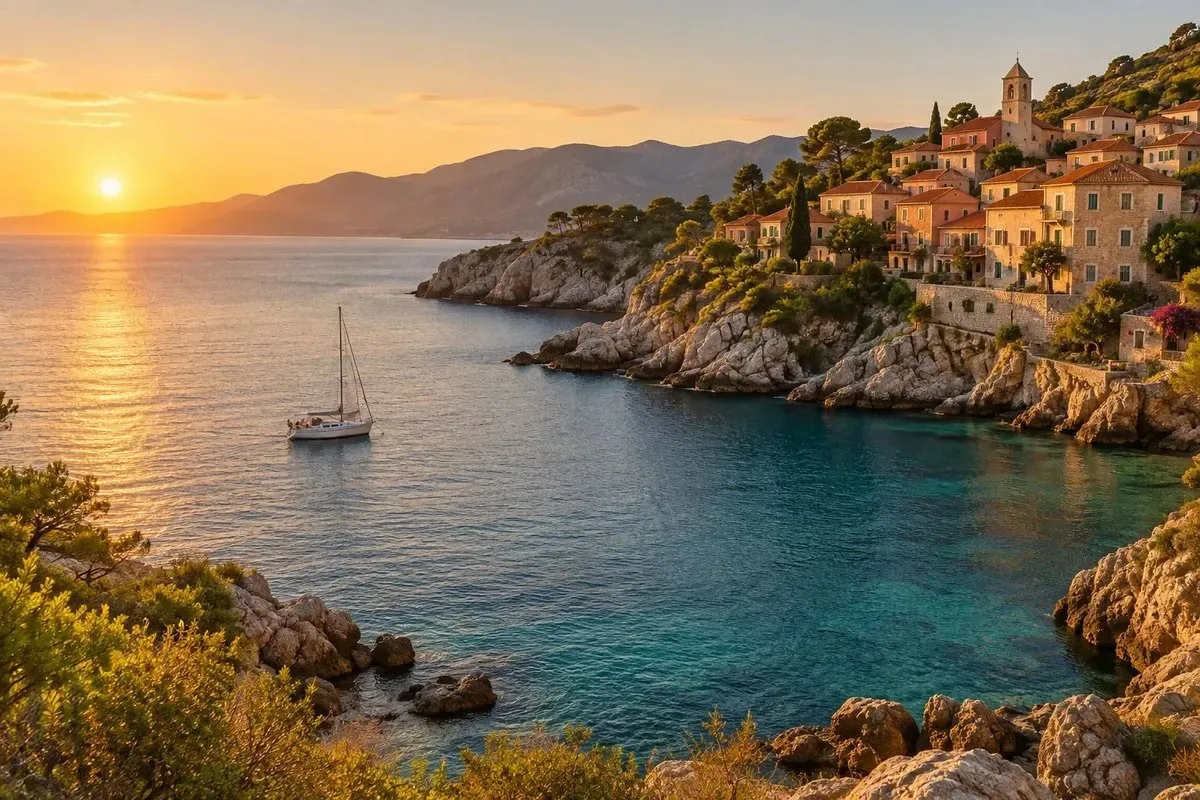
The samples are a coastal photo saved as WebP and a round logo saved as a transparent WebP. Your files never leave your device.
How to convert WebP to JPG online
- Add WebP files Choose or drop up to 50 WebP files, or try the samples.
- Set quality and background Pick the JPG quality and the colour that fills transparent areas.
- Check the list Each file shows its size as WebP and as JPG.
- Download Save a single JPG, or all of them as one ZIP.
Convert two WebP files to JPG
A real recording of this tool: two WebP samples converted to JPG, a transparent logo on white, the quality changed, and a ZIP download.
- Two WebP samples open and are converted to JPG.
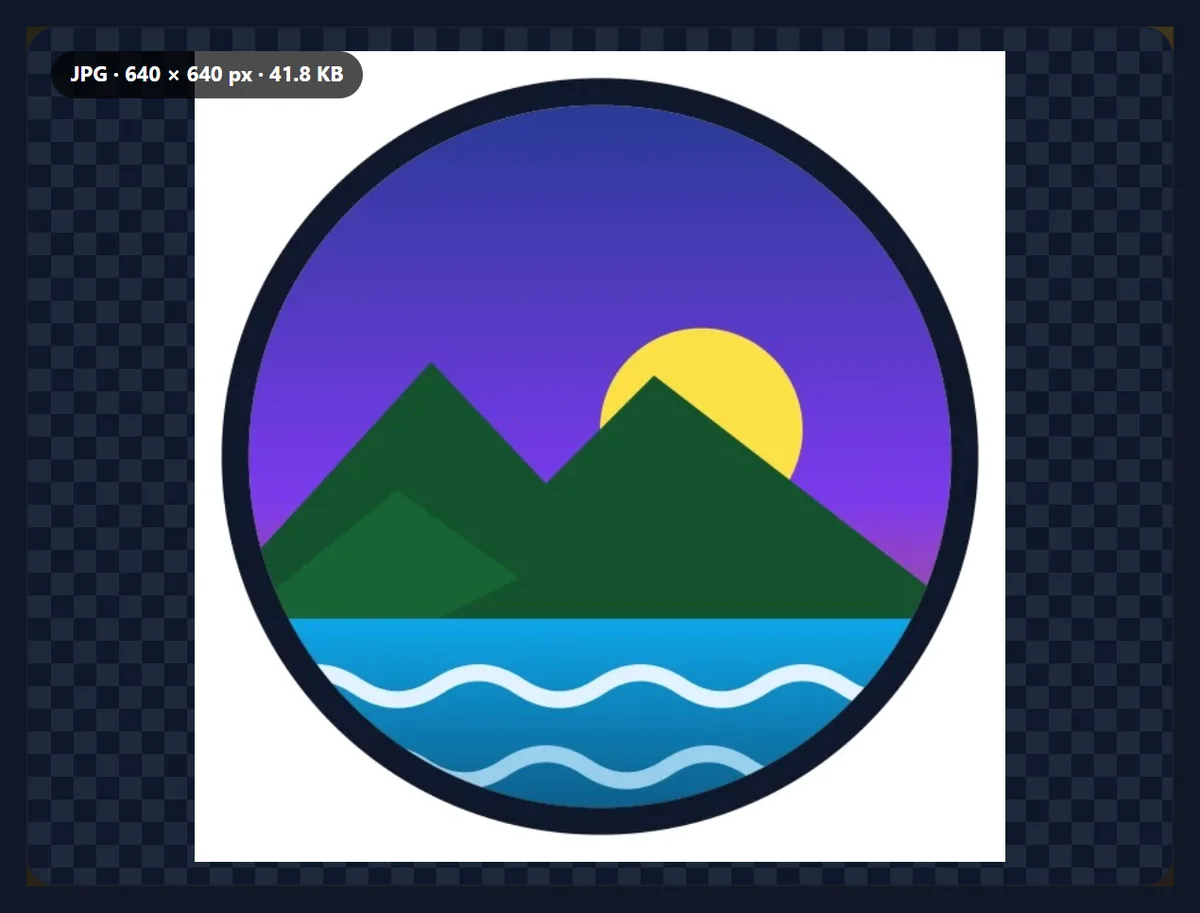
- The transparent logo is shown on the white fill.
- The quality is lowered to 80% and set back to 92%.
- Both JPGs are downloaded as one ZIP.
Why is the JPG bigger than the WebP?
Because WebP is the more efficient format. Its lossy mode, based on a video codec, predicts each block of the picture from its neighbours and stores only the difference, so it usually needs fewer bytes than JPG for the same look. In our test, photos saved as 80% WebP and converted to 92% JPG grew to 1.6 to 2.8 times their WebP size.
So convert to JPG when you need the file to open somewhere WebP does not, not to save space. If size matters, lower the JPG quality to 80%: most photos look the same at normal viewing size.
| Sample | WebP bytes | JPG bytes | JPG ÷ WebP |
|---|---|---|---|
| Coast photo | 210,704 | 345,943 | 1.6 |
| Product photo | 62,834 | 155,797 | 2.5 |
| Street portrait | 88,130 | 200,535 | 2.3 |
| Desk photo | 55,228 | 156,116 | 2.8 |
| Logo with transparency | 25,494 | 42,854 | 1.7 |
Why convert WebP to JPG at all?
WebP is shown by every current web browser, but plenty of other software still trips over it: older photo editors and viewers, some print shops and photo labs, government and job-application upload forms, email clients, and apps that only accept JPG or PNG. Images saved from websites are often WebP even when the name ends in .jpg, which is why a 'JPG' sometimes refuses to open.
JPG opens everywhere. Converting is the quickest way to make a saved image usable in any of those places.
What happens to a transparent WebP?
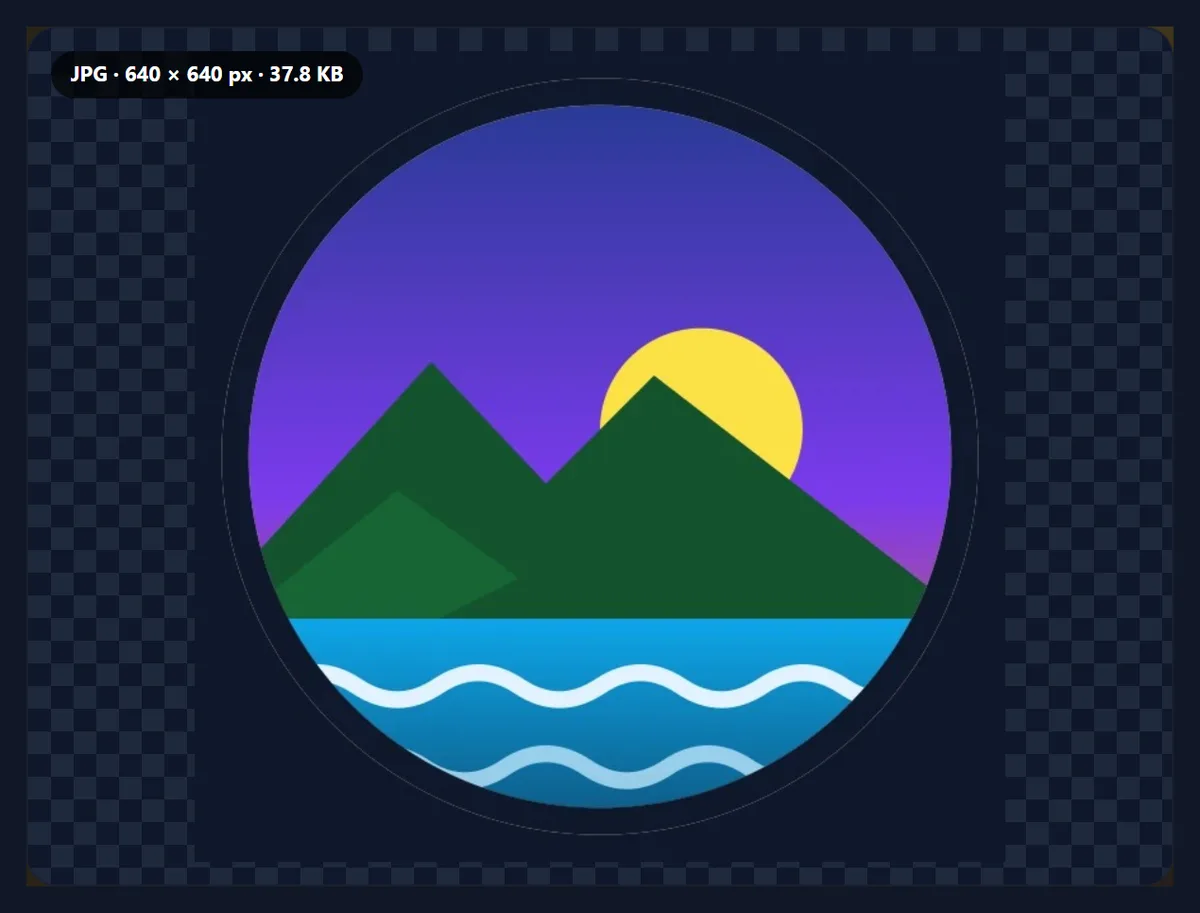
WebP can be transparent and JPG cannot, so transparent areas are filled with a background colour: white by default, or any colour you choose. Soft edges are blended with that colour, so pick the colour of the page the JPG will sit on. The sample logo, a transparent WebP of 25,494 bytes, became a 42,854-byte JPG on white.
If you need to keep the transparency, convert to PNG instead.
Which JPG quality should I pick?
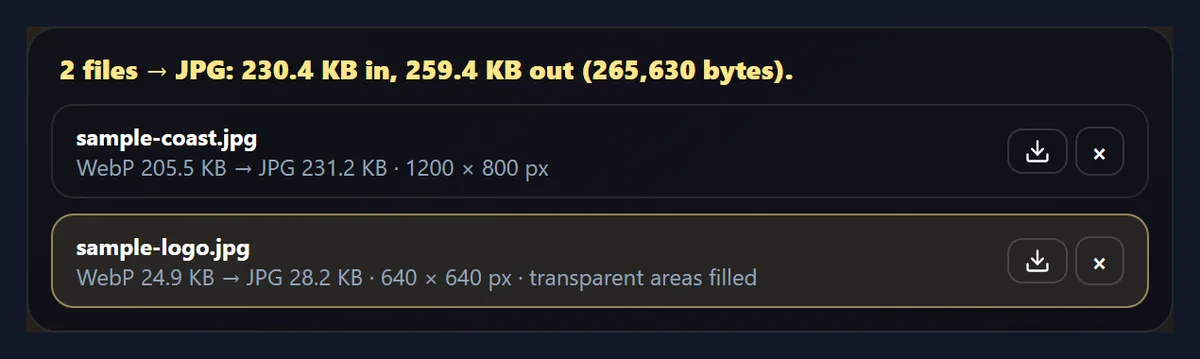
92%, the default, keeps the picture visually the same as the WebP. 80% is a good balance for sharing and the web. The two samples came to 388,750 bytes at 92% and 265,630 bytes at 80%.
Converting cannot add detail the WebP had already discarded, so a very high JPG quality only makes a larger file, not a better one.
What about animated WebP files?
A JPG holds one still picture, so an animated WebP gives its first frame. If you need the whole animation, convert it to a GIF or a video with a GIF or video tool instead.
Most WebP images on websites are still pictures, so this rarely matters.
Why does my .jpg file say it is WebP?
Because many websites send WebP to browsers that support it, even for addresses ending in .jpg, and the browser saves the file under that name. The converter reads the file's bytes rather than its name, so it shows the real format and converts it properly. The result is a genuine JPEG with a .jpg name that any app will open.
The same check catches other mislabelled files, such as a PNG named .jpg.
Can I convert many WebP files at once?
Yes, up to 50 at a time. Each file is listed with its size as WebP and as JPG, and you can download them one at a time or all together as a ZIP. Names stay the same apart from the extension, and files that would share a name are numbered so nothing is overwritten.
Settings apply to the whole list: change the quality or the background and every file is converted again.
What is WebP?
WebP is an image format Google introduced in 2010 for the web. It has a lossy mode, based on the VP8 video codec, which competes with JPG, and a lossless mode, which competes with PNG; both support transparency, and WebP can also hold animations. Chrome, Edge, Firefox and Safari all show it, which is why so many websites now serve their pictures as WebP.
Outside the browser, support is patchier: some editors, office apps, print services and upload forms still accept only JPG or PNG.
Does it work on a phone?
Yes. The tool runs in any current mobile browser, so you can convert WebP images straight from your phone's photos or files. On an iPhone, downloads go to the Downloads folder in the Files app; on Android, to the Downloads folder. Phones have less memory than computers, so convert very large images, or long lists of them, a few at a time.
Nothing is installed and nothing is uploaded, so it works the same on a phone, a tablet or a computer.
Does converting WebP to JPG lose quality?
A little, at the quality you choose. The WebP is decoded to pixels and those pixels are compressed again as a JPG, so the JPG is a close copy of the WebP rather than an exact one. At the default 92% the difference is very hard to see; at 80% it is usually still invisible at normal size. Detail the WebP had already discarded cannot come back.
Converting once is fine; avoid converting the same picture back and forth between lossy formats, which adds up.
Why do websites save images as WebP?
Because servers pick the format for each browser: when a browser says it can show WebP, many sites and image services send WebP to save bandwidth, even if the page calls the image photo.jpg. Right-click Save then saves exactly what arrived, which is a WebP. Converting it afterwards is the reliable fix, and this tool shows each file's real format before converting.
Respect the rights to images you download; converting a file does not change who owns it.
Can I print a WebP?
Many printing apps, photo kiosks and online print services do not accept WebP. Convert it to JPG at 92% or above, then check its size in pixels: the print size it can manage is its width in pixels divided by about 300 for photo-quality prints, so a 1200-pixel-wide picture prints well up to about 4 inches (10 cm) wide.
Will my file names change?
Only the ending: banner.webp becomes banner.jpg. Spaces and unusual characters become hyphens so the name works on every system and website, and very long names are shortened to 80 characters. If two files in a batch would end up with the same name, the second gets -2 and the third -3, so nothing in a ZIP is overwritten.
What if my WebP is lossless?
Some WebP files are lossless, an exact copy of the original pixels, typically graphics and screenshots exported by design tools. They convert the same way, but because a JPG is always lossy, the JPG will be a close copy rather than an exact one. For a lossless file that opens everywhere, convert to PNG instead.
The tool does not need to know which kind of WebP it is; both open the same way.
What happens to the WebP’s metadata?
The JPG holds only the picture. EXIF and XMP information that some WebP files carry, such as a camera model, a date, a location or editing history, is not copied into the JPG, which is usually what you want for pictures you share. Keep the original WebP if you need those details.
Can I email or message WebP pictures?
You can attach them, but many email programs and some messaging apps show a WebP as a plain file attachment rather than a picture, and the person receiving it may not be able to open it on an older computer. Converting to JPG before sending means it shows inline and opens everywhere.
For several pictures, download them as a ZIP and attach that, or send the JPGs one by one.
Is anything uploaded?
No. The files are opened, converted and saved inside your browser tab, and no account is needed. Images up to 40 megapixels can be opened. The converted file carries no EXIF data, and colours are saved in sRGB. The coast sample came out as a 1200 × 800 JPG of 345,896 bytes.
Because nothing is uploaded, the converter also works on a slow or metered connection.
Why does my JPG look worse than the WebP?
Usually because the JPG quality is low, or because the picture has large smooth areas, such as sky or a studio background, where JPG shows banding sooner than WebP. Raise the quality to 92% or above. If the WebP had transparency, check the background colour: a white fill on a picture meant for a dark page looks wrong.
If the picture must stay as small as the WebP, keep the WebP wherever it is accepted.
Frequently asked questions
How do I convert WebP to JPG?
Add the WebP file, choose the quality, and download the JPG.
Why convert WebP to JPG?
Because many apps, print services and upload forms still do not accept WebP.
Why is the JPG bigger?
WebP is the more efficient format; JPG needs more bytes for the same picture.
What happens to transparency?
It is filled with the background colour you choose; white by default.
Does it work with animated WebP?
It saves the first frame.
Can I convert many files at once?
Yes, up to 50, downloaded as one ZIP.
Why does my .jpg say WebP?
The website sent a WebP under a .jpg name; the converter makes it a real JPG.
Are my files uploaded?
No. Everything happens in your browser.
Which quality should I use?
92% to keep the look, 80% for smaller files.
Is it free?
Yes, with no account, watermark or limit.
Related tools
- WebP to PNG — Keep the transparency.
- Image Converter — Any format to JPG, PNG or WebP.
- PNG to JPG — PNG files to JPG.
- JPG to PDF — Photos into one PDF.
- Compress Image to 100KB — Shrink the JPG to a limit.
- Resize Image in Pixels — Change the size too.